
Path of Exile 2 Boosting
Path of Exile 2 Atziri Temple Guide
Path of Exile 2 patch 0.5 ships a native Build Planner. Download .build files, load them in-game, and follow any creator's guide

The Path of Exile 2 build planner is a native in-game system introduced in patch 0.5, Return of the Ancients, launching May 29, 2026. Its entire purpose is shockingly modest: let players follow a build guide without also managing a second monitor, four spreadsheet tabs, and a printed passive tree taped to the wall.
Blah-blah-blah... CRINGEBLOG promocode... BLAH-BLAH-BLAH... impressive discount... FOR PoE 2 consumables. Doesn't matter price... USE IT!
Game director Jonathan Rogers, with commendable honesty, admitted in pre-launch interviews that "builds are hard to follow in our game." There it is. The passive tree contains hundreds of nodes; Ascendancy choices branch from that; skill gems layer on top; support links layer on those; then gear comes along to complicate everything further. The system did not care about your confusion. Now, partially, it does.
The Build Planner does not create or edit builds inside the client. It only reads and displays a file you downloaded. GGG explicitly will not ship official GGG builds through this tool, stating it is "not on us to decide what's good." Consider that a philosophical position, not just a feature gap.
Community creators export their guides as a .build file: a JSON document: and publish it on sites like Maxroll.gg or Mobalytics. You download it. Then you drop it into one specific folder on your machine:
Documents\My Games\Path of Exile 2\BuildPlanner\
The moment you restart the client, the build appears in the in-game selector. You can load multiple PoE2 build guides simultaneously and toggle between creators using a dropdown in each relevant panel: passive tree, skill gems, gear slots. Yes, this means you can see what two different creators recommend for the same slot without opening a second application. Remarkable.
Platforms like Maxroll.gg already support the system at launch, including level-based progression notes so the guide evolves as your character does: rather than dumping campaign and endgame advice on you simultaneously like a hostile Path of Exile 2 services.
Situation


Without Build Planner


With Build Planner


Passive tree navigation


Open browser, squint at a screenshot, alt-tab back, click wrong node, restart act


Highlighted path directly in the passive tree panel


Gem socketing


Read a guide, memorize six gem names, forget two of them


Gem recommendations visible in the skill slot dropdown


Following multiple creators


Separate browser windows, printed notes, mild psychological damage


Toggle between loaded .build files via dropdown


Gear selection


Guess, trade wrong item, lose currency


Creator specifies exact uniques or written notes per slot


Understanding why a choice was made


Re-read a 3,000-word guide paragraph


Creator notes attached inline to the relevant node or slot

GGG is building an account-linked API for community build websites. When it ships, the process of importing PoE2 builds becomes a single button click on a third-party site: no manual file placement required. According to Rogers, clicking a creator's "Subscribe" button will push the .build data directly through GGG's infrastructure to your account. This was not ready for the 0.5 launch and was deliberately left out of the reveal stream. It will arrive later.
Until then, the manual method described above is the only route. If you find placing a file in a folder spiritually defeating, that is between you and the file system.
The best PoE2 builds 0.5 are being published on these platforms, several of which already export the correct .build format natively:
Community tools like Path of Building have existed for years and go deeper than the in-game planner ever will: DPS math, stat breakpoints, damage simulation. The Build Planner replaces the following experience, not the theorycrafting one. Know which problem you are solving.
If you are writing a PoE2 build guide for beginners: or anyone, really: the .build file format supports notes on nearly every element. You can annotate individual passive nodes, explain why one support gem outperforms another at a specific breakpoint, flag gear alternatives, and note which choices are budget versus endgame. The file format is JSON, and the developer documentation specifies a simple markup language for text fields.
GGG will not curate, rank, or officially endorse any creator's build through this system. Distribution is entirely community-driven. If your build is bad, the game will not warn anyone. Caveat emptor. Caveat everyone.
The Build Planner is one item in a larger PoE2 patch 0.5 new features list that includes: a rebuilt endgame Atlas with 400-plus nodes, the Runes of Aldur challenge league, over 100 new rune types, two new Ascendancy classes (Spirit Walker and Martial Artist), Runic Ward as a new defensive resource, upgradeable Unique items, a live Atlas search bar, and an in-game item price checker. The Build Planner is the quality-of-life entry on that list, not the headline, but it may be the feature most players touch every session.
This is also the last major update before Path of Exile 2's full 1.0 release, currently expected later in 2026. The Build Planner will presumably be refined based on player feedback before then. GGG has stated explicitly that new features will be added if the community requests them. Note that this is not a promise: it is an acknowledgment that a suggestion box Path of Exile 2 pre-orders.

Path of Exile 2 patch 0.5 ships a native Build Planner. Download .build files, load them in-game, and follow any creator's guide
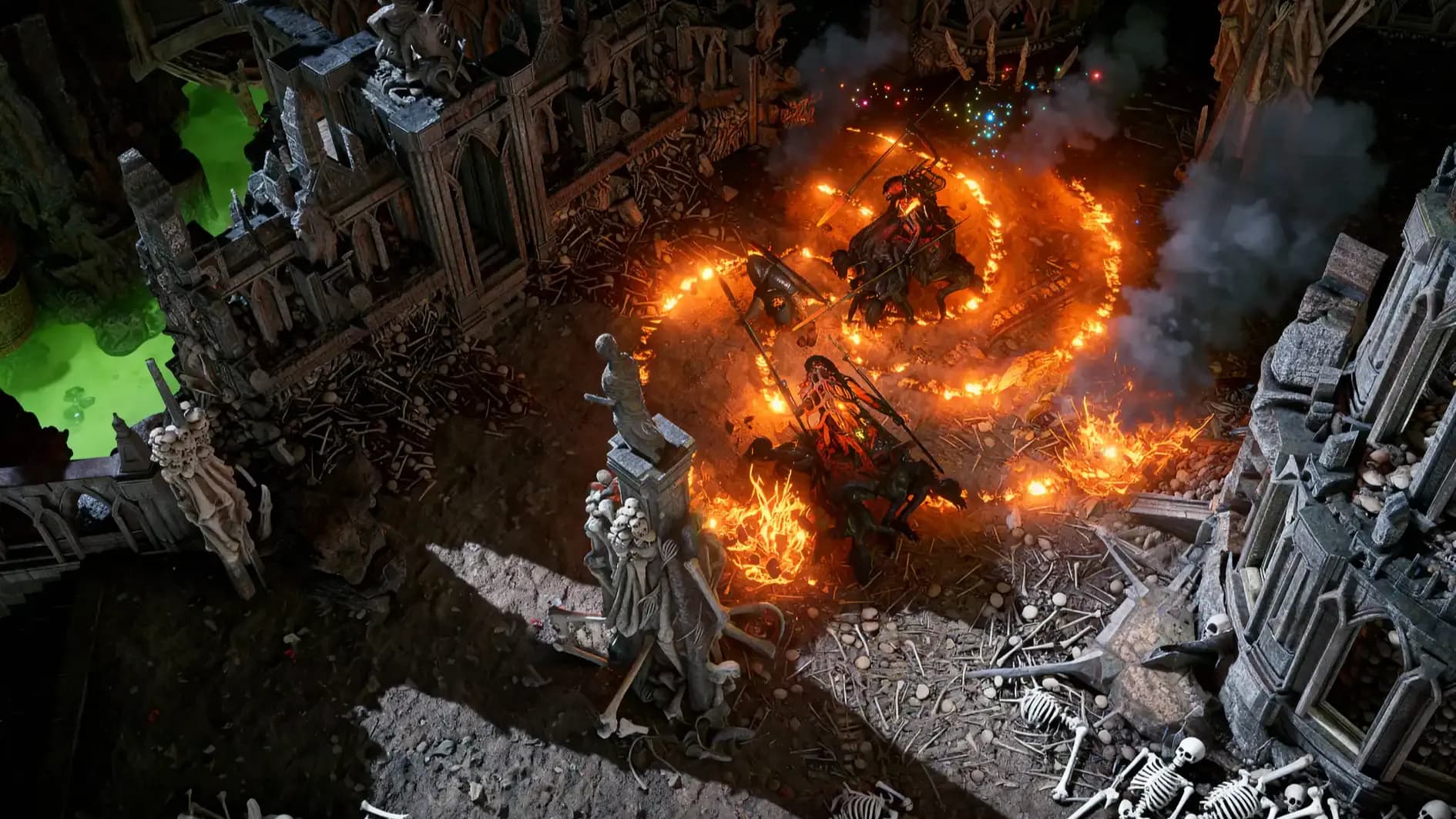
Path of Exile 2 patch 0.5 ships a native Build Planner. Download .build files, load them in-game, and follow any creator's guide

Path of Exile 2 patch 0.5 ships a native Build Planner. Download .build files, load them in-game, and follow any creator's guide

No. The client only reads pre-made .build files. Editing happens in external tools or text editors.
Place it in Documents\My Games\Path of Exile 2\BuildPlanner\ before launching the game.
No. GGG stated it is not their role to define what builds are good. Community only.
Yes. Load multiple files and toggle between them via dropdown in each game panel.
It replaces the following experience. Path of Building's deep DPS simulation remains irreplaceable for theorycrafters.

GTA 6, new seasons, major updates — get ready to dominate from day one