
Call of Duty Boost
Black Ops 2 Buried Easter Egg Guide: Maxis & Richtofen
New guide: the best Black Ops 2 controller settings for PS4 and PS5, covering sensitivity, layout, aim assist, and recoil control tap firing.
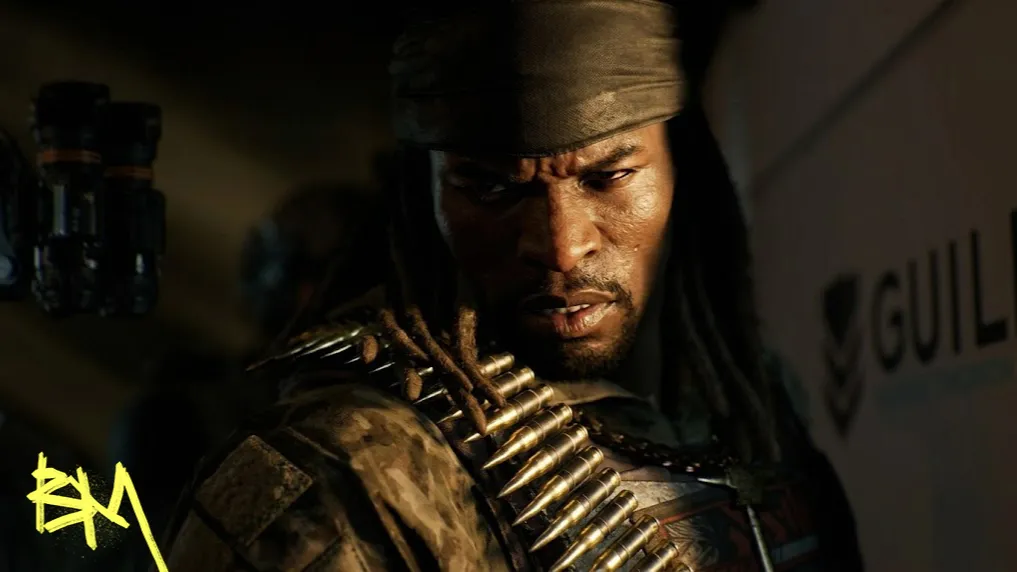
The single most important fix for the best Black Ops 2 controller settings has nothing to do with a slider. It is downgrading your PS5 copy to the PS4 version. The port has no graphical upgrades, so running it past its intended ceiling only adds input delay and stutter for zero visual reward. Do that first, everything below is decoration by comparison.
Once you're on the PS4 build at 1080p, the rest is tuning: layout, sensitivity, deadzones, and audio. None of it saves you if you skipped the downgrade.
If you own the PS5 disc or digital copy, the PS4 version is a free download and it is the one competent players actually run for BO2 controller settings PS4. Set resolution to 1080p regardless of platform, since this is a straight port with no enhanced textures or frame targets waiting above it. Anyone whose footage looks smoother than yours is very likely just playing the correct version.
Controller vibration is off, permanently, because a rumbling grip is actively fighting your aim during a gunfight. Stick layout stays on default, but button layout goes to Tactical, which remaps crouch and prone onto the right stick click so you can drop shot while still fully aimed in. This single change is responsible for more won close range fights than any sensitivity number could ever be. DualSense owners on PS5 can go further with a Tactical Flip remap done at the console level, swapping fire with lethal and tactical, though PS4 has no such option and you will simply live with it.
A sensitivity of 5 to 6 is the honest middle ground here, fast enough to turn on flankers, slow enough not to overshoot long range duels. BO2's BO2 aim assist is noticeably weaker than in Black Ops 6 or 7, and the game does not even offer the modern menu of aim assist response types, so there is no slowdown crutch bailing out a sensitivity that's too hot. Target assist stays on, obviously, since turning off the only assist the game gives you helps nobody.
The game rewards controlled, deliberate stick movement over twitch reflexes borrowed from a newer Call of Duty, because there is simply less assistance underneath your thumb catching your mistakes for you.
On the topic of Black Ops 2 deadzone settings, this port's menu is thinner than current era Call of Duty games and does not expose the granular min or max deadzone sliders newer titles do. The universal rule still applies wherever a controller is involved though: keep deadzones as low as your specific stick allows without drift, and only raise them the moment you notice unwanted ghost input. Buy a new controller before you compensate with a bloated deadzone, since a soggy stick is a hardware problem, not a settings problem.
| Setting | Value | Reason |
|---|---|---|
| Voice Volume | Max | Squad calls stay audible over gunfire chaos. |
| Music Volume | Low | It is set dressing, not information. |
| SFX and Master | Max | Every usable audio cue lives here. |
| Audio Preset | Bass Boost | Footsteps are already quiet, gunfights are loud, and this preset leans into that. |
Footstep audio is famously weak in this remaster, so lean on gunfight sound instead. Even suppressed weapons still leave enough of an audio footprint under Bass Boost to guess a rough direction.
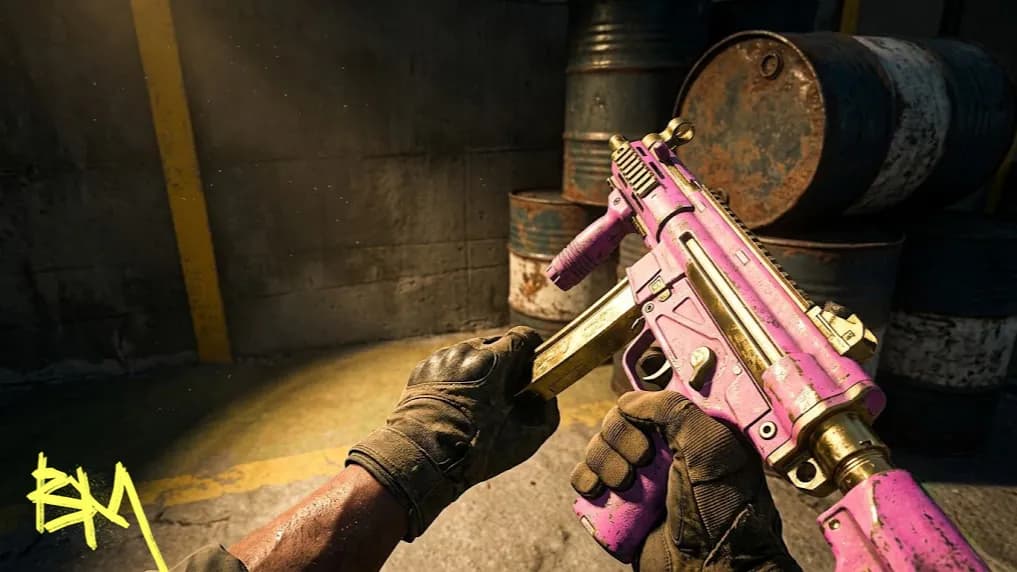
Recoil here punishes holding the trigger down like it owes you money. Tap firing, short controlled bursts instead of full auto dumps, is the actual answer, not a hidden sensitivity trick. On vertical heavy guns like the Scorpion, pull down on the right stick as you fire to counter the climb. On horizontal spreaders like the PDW, the same tap discipline resets the pattern before it drifts off screen. This is the least glamorous tip in the whole guide and also the one that wins you the most gunfights.
For the settings menu itself, the BO2 tactical button layout and a sane 5 to 6 sensitivity solve most complaints people bring to forums about the game feeling unfair. It usually isn't the game. It's a PS5 render resolution nobody bothered to check.
Category | Recommendation |
|---|---|
Platform | Downgrade PS5 disc to PS4 version |
Resolution | 1080p |
Vibration | Off |
Button Layout | Tactical |
Sensitivity | 5 to 6 |
Target Assist | On |
Audio Preset | Bass Boost |
Recoil Habit | Tap fire, counter pull on vertical climb |
None of this replaces practice, but a wrong resolution and a stiff button layout will cap your skill ceiling no matter how many hours you put in.
You shall also interested in:

New guide: the best Black Ops 2 controller settings for PS4 and PS5, covering sensitivity, layout, aim assist, and recoil control tap firing.
New guide: the best Black Ops 2 controller settings for PS4 and PS5, covering sensitivity, layout, aim assist, and recoil control tap firing.
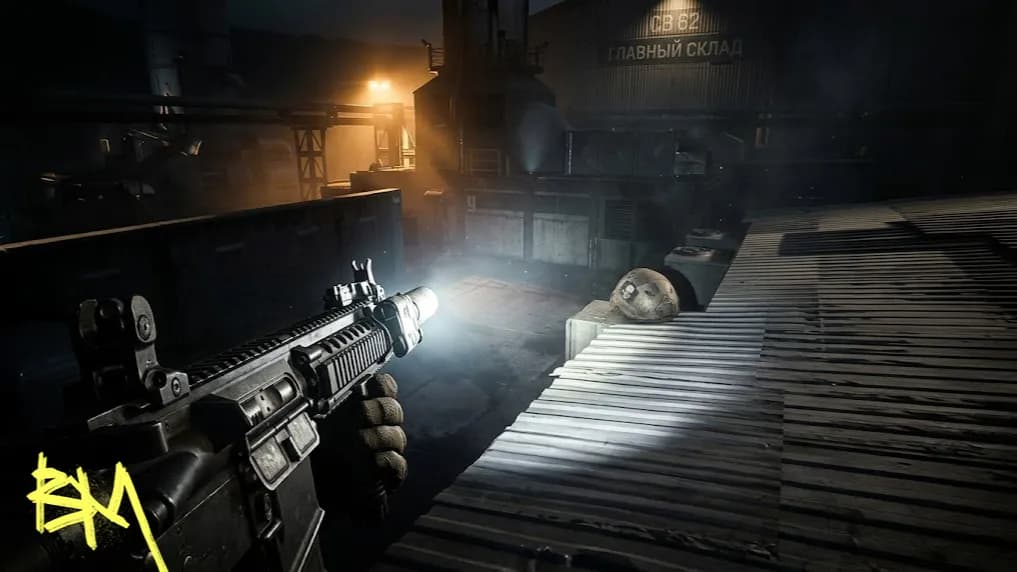
New guide: the best Black Ops 2 controller settings for PS4 and PS5, covering sensitivity, layout, aim assist, and recoil control tap firing.

Downgrade to PS4. It's a straight port with no upgrades, so PS4 runs smoother with less input delay.
A 5 to 6 sensitivity balances turning on flankers with staying accurate at long range, since aim assist here is weak.
Yes, it remaps crouch and prone to the right stick, letting you drop shot while still aimed in.
Tap fire in short bursts and pull down on the stick during vertical climb instead of holding the trigger.
Its menu is thinner, but the same rule applies: keep deadzones low unless your stick drifts.

GTA 6, new seasons, major updates — get ready to dominate from day one