

Windrose Boost
Windrose Chowder Guide
Stop crying over the sinking ship. Use our Windrose tips to fix the atrocious HUD, craft emergency tents, farm vitality, and avoid wild boars.
Managing your user interface and staying healthy while exploring the islands in Windrose can take some adjusting. To help you streamline your gameplay and get the most out of your journeys, here is a collection of practical, fact-based tips to keep your map clean, your character strong, and your travels efficient.
If your screen is starting to feel crowded with overlapping icons, there is a helpful built-in UI feature designed to clear up your view.
Activating this setting neatly pushes distant location markers to the outer edge of your mini-map rather than letting them block your immediate, close-range view, making active navigation much smoother.
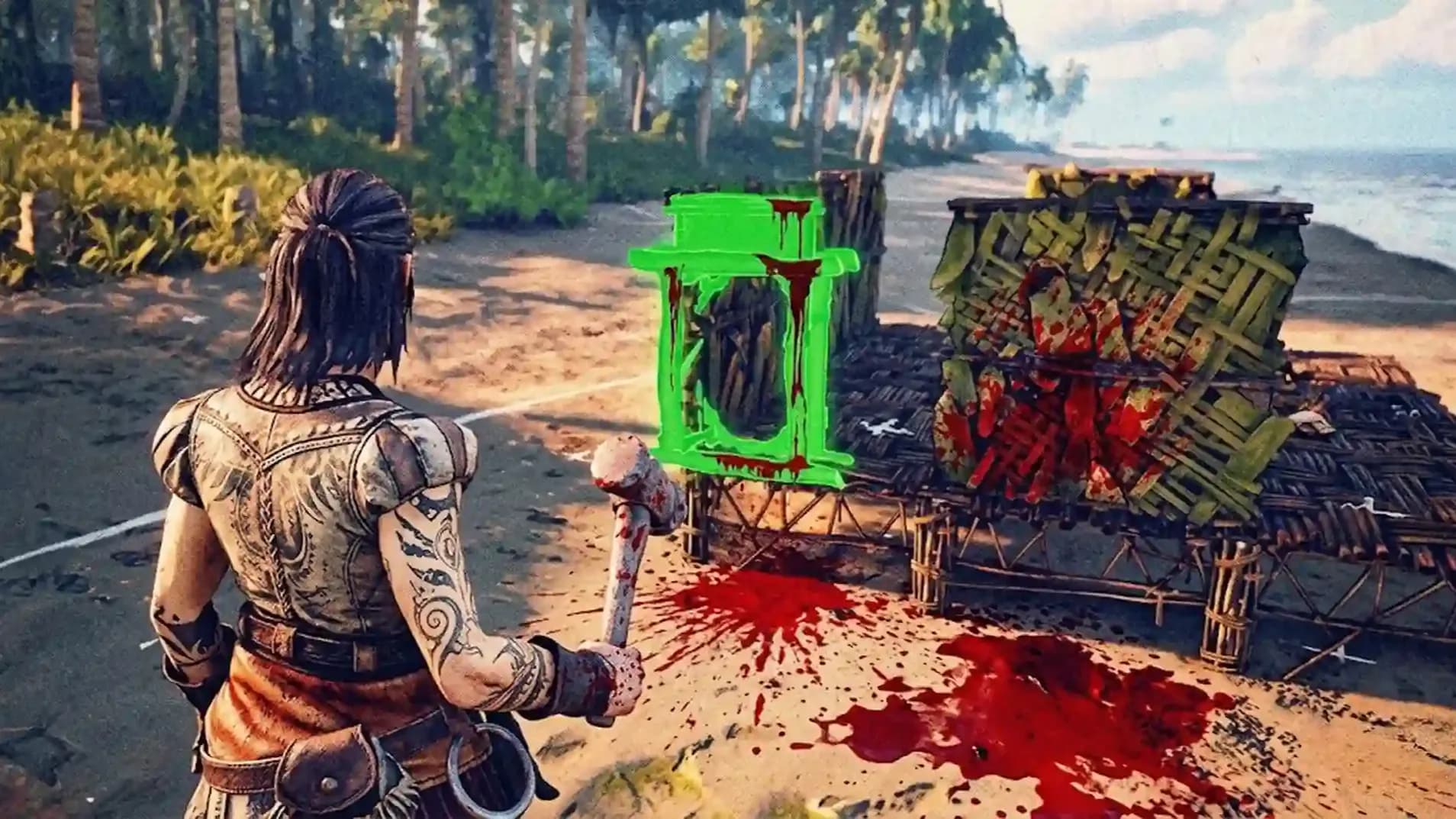
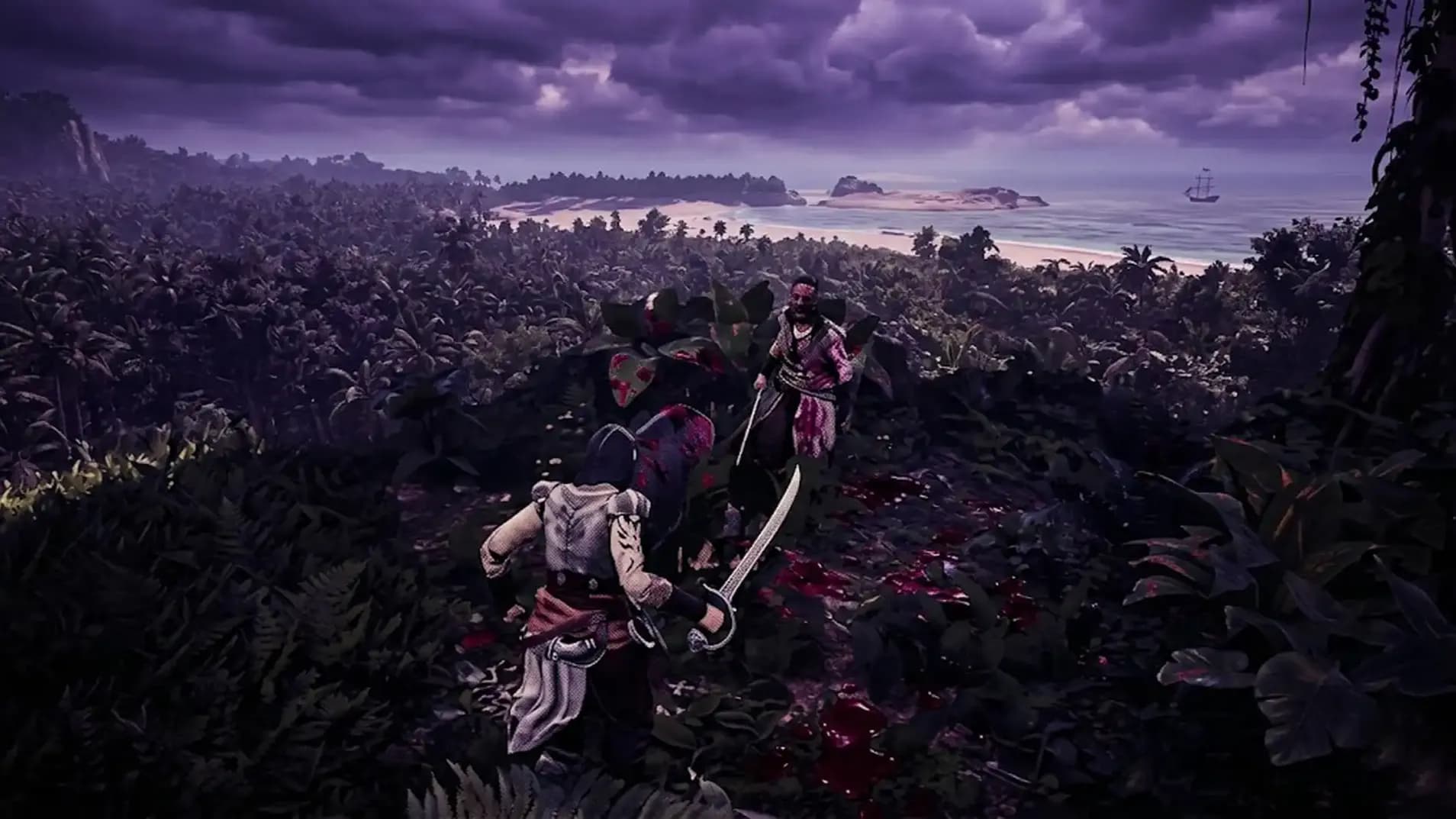
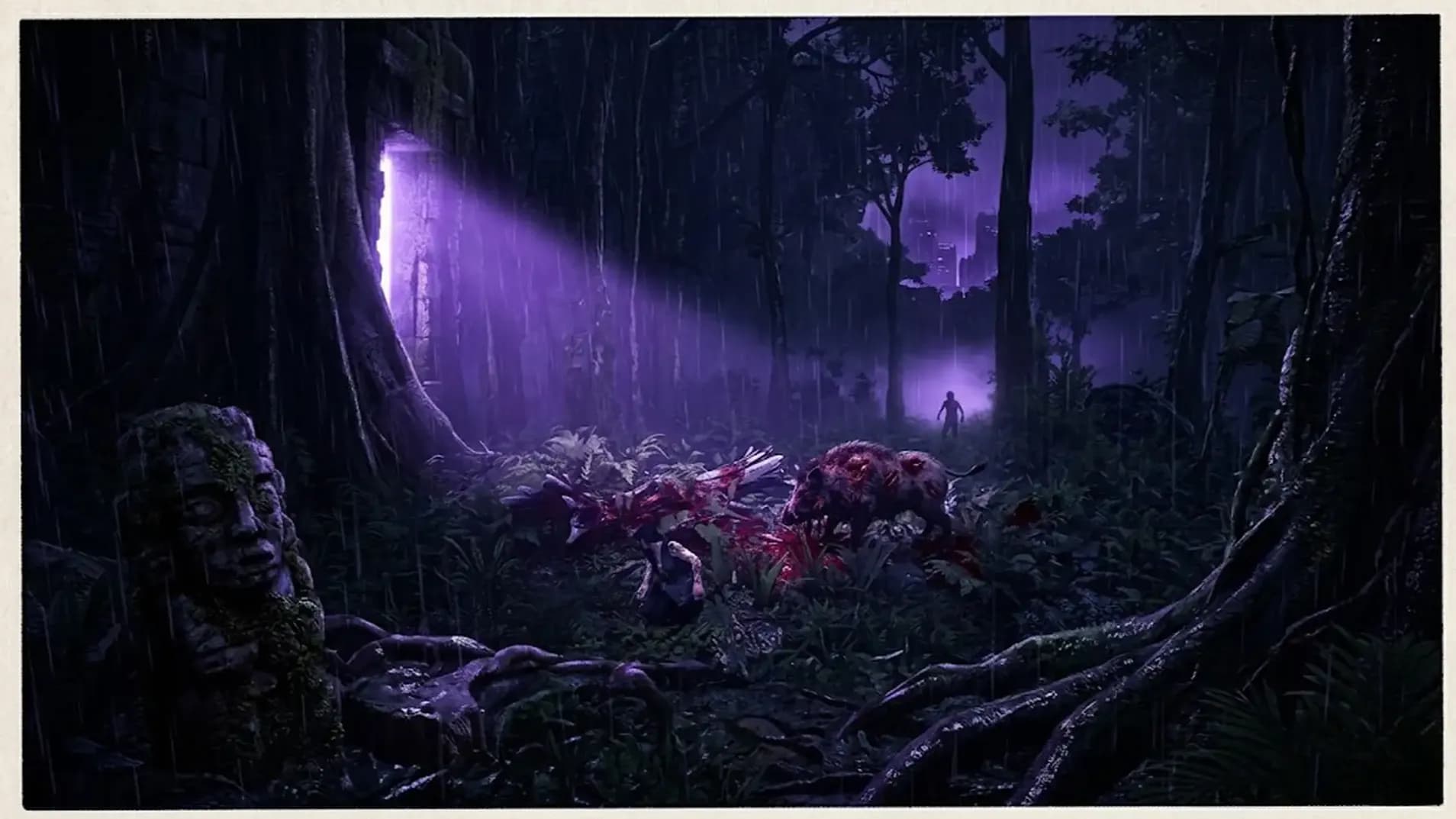
The wilderness can be unforgiving, and native wildlife like feral wild hogs can deal substantial damage very quickly. To protect your progress during challenging island excursions, it is an excellent practice to always keep a steady supply of basic survival materials in your inventory:
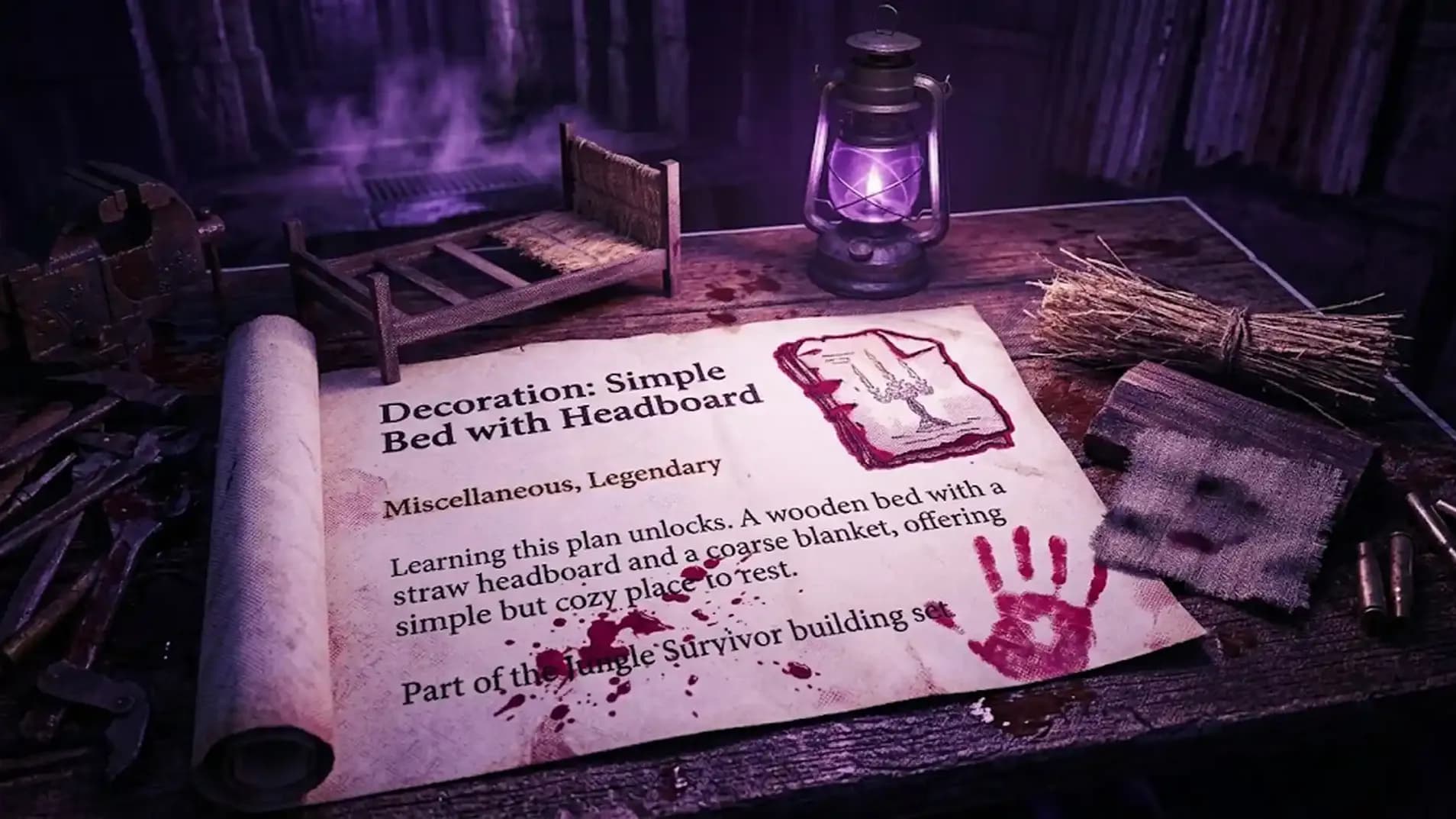
You can use these basic resources to quickly construct an Emergency Tent. Placing a tent down serves as a temporary respawn point, allowing you to safely set your spawn right before engaging a tough group of enemies or exploring a high-risk area.
If you ever find the combat tuning a bit too punishing or simply want a more relaxed exploration experience, Windrose provides highly flexible world customization options. You can access your Session Settings at any time to adjust the enemy damage and health sliders. Lowering enemy damage and health parameters (by around 25%, for example) is a great way to balance the difficulty to match your preferred playstyle.
Progression in Windrose relies heavily on world objectives rather than traditional grinding. Defeating standard wandering mobs in the wild does not yield experience points.
To level up and earn progression points efficiently, you should focus on:
Once you earn progression points, investing them directly into your Vitality stat is highly recommended early on, as it directly scales your maximum health pool and increases your overall survivability.
Once you have acquired a vessel, navigating the open world becomes significantly faster. By interacting with your ship's wheel, you can utilize unlocked Fast Travel Points to instantly teleport your vessel between major towns and discovered faction headquarters.
While sailing, you also have total control over your crew's music. If you want to change the active sea shanty, simply hold down the sing button to stop the current song, and then hold it down again to cycle to the next available track in your collection.
|
Task |
Your Sad Reality |
The Painful Solution |
|
Navigation |
Getting lost constantly due to screen clutter. |
Use the "off mini map" checkbox on markers. |
|
Combat Prep |
Dying and running back from the spawn beach. |
Build a tent right before the fight. |
|
Leveling |
Grinding boars for zero experience. |
Finish quests and clear POIs. |





Stop crying over the sinking ship. Use our Windrose tips to fix the atrocious HUD, craft emergency tents, farm vitality, and avoid wild boars.
Stop crying over the sinking ship. Use our Windrose tips to fix the atrocious HUD, craft emergency tents, farm vitality, and avoid wild boars.
Stop crying over the sinking ship. Use our Windrose tips to fix the atrocious HUD, craft emergency tents, farm vitality, and avoid wild boars.

Stop crying over the sinking ship. Use our Windrose tips to fix the atrocious HUD, craft emergency tents, farm vitality, and avoid wild boars.
Stop crying over the sinking ship. Use our Windrose tips to fix the atrocious HUD, craft emergency tents, farm vitality, and avoid wild boars.
Stop crying over the sinking ship. Use our Windrose tips to fix the atrocious HUD, craft emergency tents, farm vitality, and avoid wild boars.
Stop crying over the sinking ship. Use our Windrose tips to fix the atrocious HUD, craft emergency tents, farm vitality, and avoid wild boars.
Stop crying over the sinking ship. Use our Windrose tips to fix the atrocious HUD, craft emergency tents, farm vitality, and avoid wild boars.

Stop crying over the sinking ship. Use our Windrose tips to fix the atrocious HUD, craft emergency tents, farm vitality, and avoid wild boars.
Stop crying over the sinking ship. Use our Windrose tips to fix the atrocious HUD, craft emergency tents, farm vitality, and avoid wild boars.

You lack basic survival skills. Upgrade your health immediately and stop fighting everything you see.
Killing is pointless for progression. Complete active quests and clear out marked locations to advance.
Yes, you must adjust the session settings. Reducing enemy damage lets pathetic players survive slightly longer.
Hold the sing button to shut them up entirely, then hold it again to switch.
Absolutely. Unless you enjoy running back from the spawn beach like a complete and utter fool.

GTA 6, new seasons, major updates — get ready to dominate from day one