Table of content
How to Rename Your Ship in Windrose
Congratulations on moving closer to commanding your very own vessel in Windrose! Upgrading from the default ship name and taking to the seas is an exciting milestone. If you are looking to unlock your first vessel, repair it, or personalize its name, this guide will walk you through the entire process step-by-step.
Unlocking Your First Ship
Acquiring your first vessel is tied directly to your progression in the main story. Here is how to kick off your seafaring journey:
- Complete the Tutorial: Progress through the early stages of the game until you successfully mine your first batches of Copper.
- Return to Camp: Head back to your main base of operations.
- Speak to Dr. Galen: Locate Dr. Galen at his usual camp station. Speaking with him will unlock the main story quest titled "I Need a Bigger Boat."
Repairing the Shipwreck
Once the quest sends you to locate a shipwreck, you will need to gather a specific set of crafting resources to restore the vessel to working order.
|
Material |
Quantity |
Reason You Will Hate Getting It |
|
Wood |
100 |
Because chopping virtual trees is your real full-time job. |
|
Nails |
20 |
Forged in the fires of your rapidly dwindling patience. |
|
Coarse Fabric |
20 |
Woven from the tears of fallen, far superior pirates. |
|
Rope |
10 |
To tie yourself to the mast when the grinding breaks your spirit. |
The Simple Steps
- Dock your ship at the Wharf you painstakingly built.
- Interact with the Wharf and click to manage your cargo.
- Press D to access the cosmetic customization menu without breaking your keyboard.
- Type in your new name, assuming you possess basic literacy.
- Confirm your choices, get your flags right, and go dominate the archipelago.
Table of content
We created a guide to renaming your ship in Windrose. Stop sailing a raft of shame and learn the excruciating steps to customize your vessel.
23 April, 2026
We created a guide to renaming your ship in Windrose. Stop sailing a raft of shame and learn the excruciating steps to customize your vessel.
23 April, 2026

We created a guide to renaming your ship in Windrose. Stop sailing a raft of shame and learn the excruciating steps to customize your vessel.
23 April, 2026
We created a guide to renaming your ship in Windrose. Stop sailing a raft of shame and learn the excruciating steps to customize your vessel.
23 April, 2026
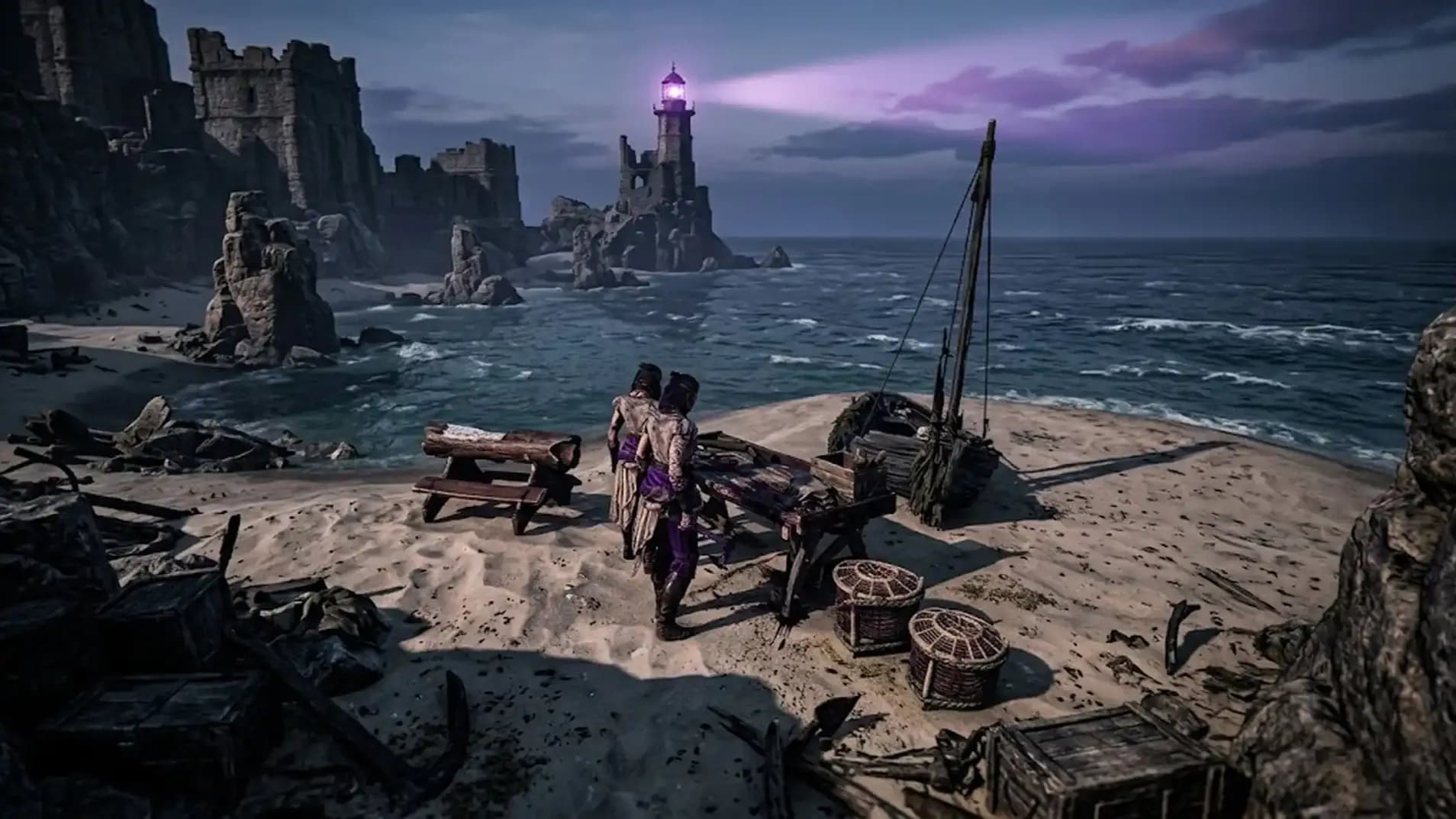
We created a guide to renaming your ship in Windrose. Stop sailing a raft of shame and learn the excruciating steps to customize your vessel.
23 April, 2026
How to Rename Your Ship in Windrose FAQ
How do I get my first ship?
You must survive long enough to complete the tedious questline given by the utterly useless Doctor Galen.
What materials repair the shipwreck?
Prepare to grind endlessly for one hundred wood, twenty nails, twenty coarse fabric, and ten rope.
Why can't I launch the repaired ship?
Because you failed to rescue seven captured crewmates from various pirate camps scattered across the miserable map.
How do I recall my ship?
Simply press the K key when standing near your Wharf to instantly teleport your disappointing boat back.
Where do I change the ship name?
Access the customization menu at your Wharf by pressing D to hide your pathetic original ship name.