
Windrose Boost
Windrose Dodo Broth Recipe Guide
Attention pathetic sailors: stop wandering aimlessly. We finally released the ultimate map guide so you can actually find where the factions hide
Navigating the ocean in Windrose is a rewarding experience, but because the game utilizes a complex procedural generation algorithm, every server and single-player world features a completely unique layout. Utilizing the external interactive map tool is a fantastic, highly efficient way to sync your exact coordinates and streamline your exploration.
By uploading your server's specific world data, you can instantly reveal key locations—such as faction bases and rare blueprints—saving you valuable travel time on the open seas.
When you first open the interactive map website, it will display a default sample world layout. To sync the tool with your actual game world, simply click the "Change" button on the map interface. You can choose between two reliable, factual methods depending on your technical preference.
|
Method |
Difficulty Level for You |
Description of Your Suffering |
|
Manual File Upload |
Agonizing |
Dragging raw files into your browser like a caveman discovering fire. |
|
Companion App |
Idiot-Proof |
Requires installing basic software. Pray your antivirus does not block it. |
If you are hosting a single-player world or running a dedicated server, you can manually upload your unique world data by following these straightforward steps:
Once your map successfully updates to match your live game world, you can use the search parameters to quickly locate high-value assets. Here are a few essential targets to look for right away:



Attention pathetic sailors: stop wandering aimlessly. We finally released the ultimate map guide so you can actually find where the factions hide
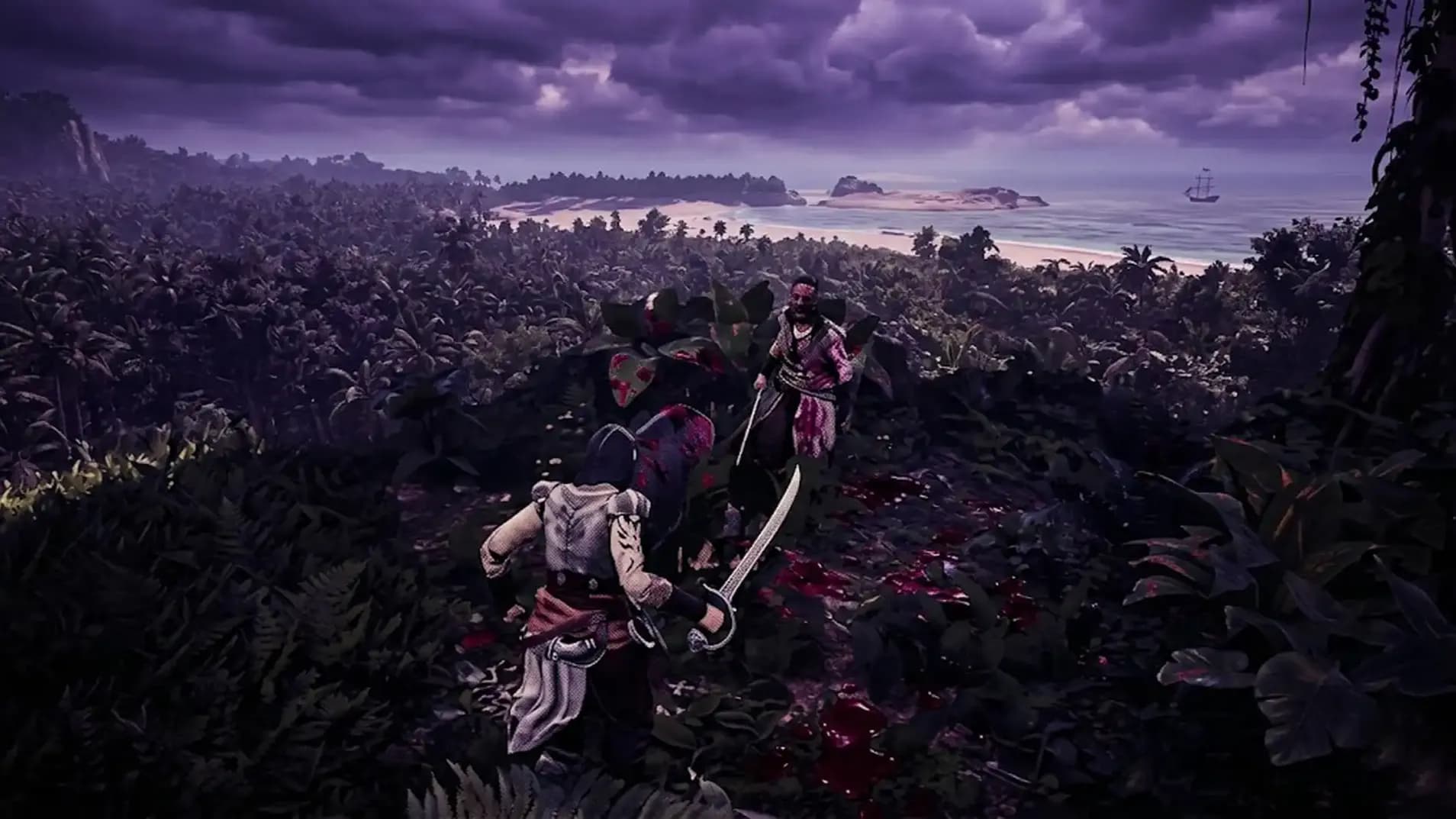
Attention pathetic sailors: stop wandering aimlessly. We finally released the ultimate map guide so you can actually find where the factions hide
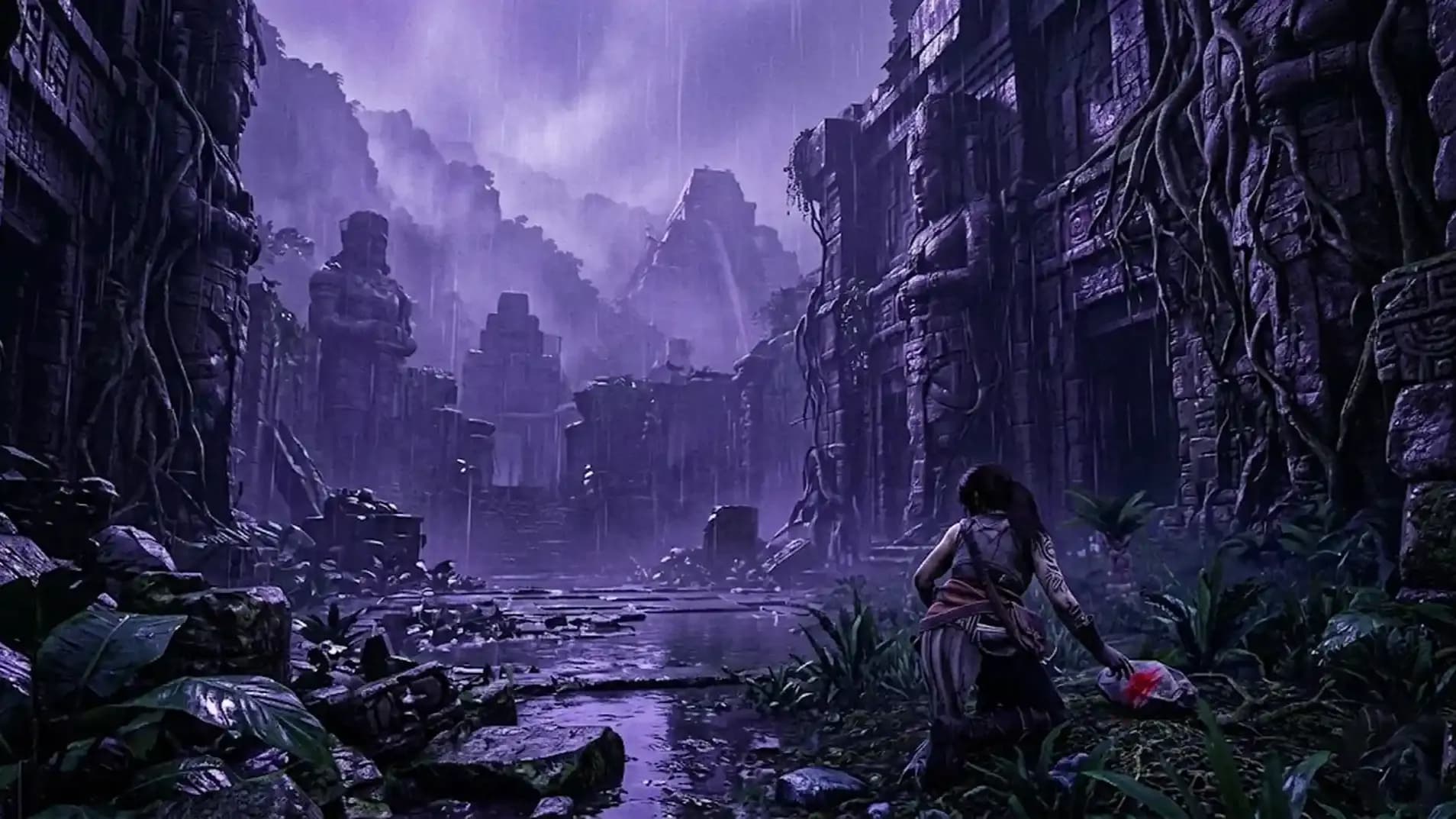
Attention pathetic sailors: stop wandering aimlessly. We finally released the ultimate map guide so you can actually find where the factions hide
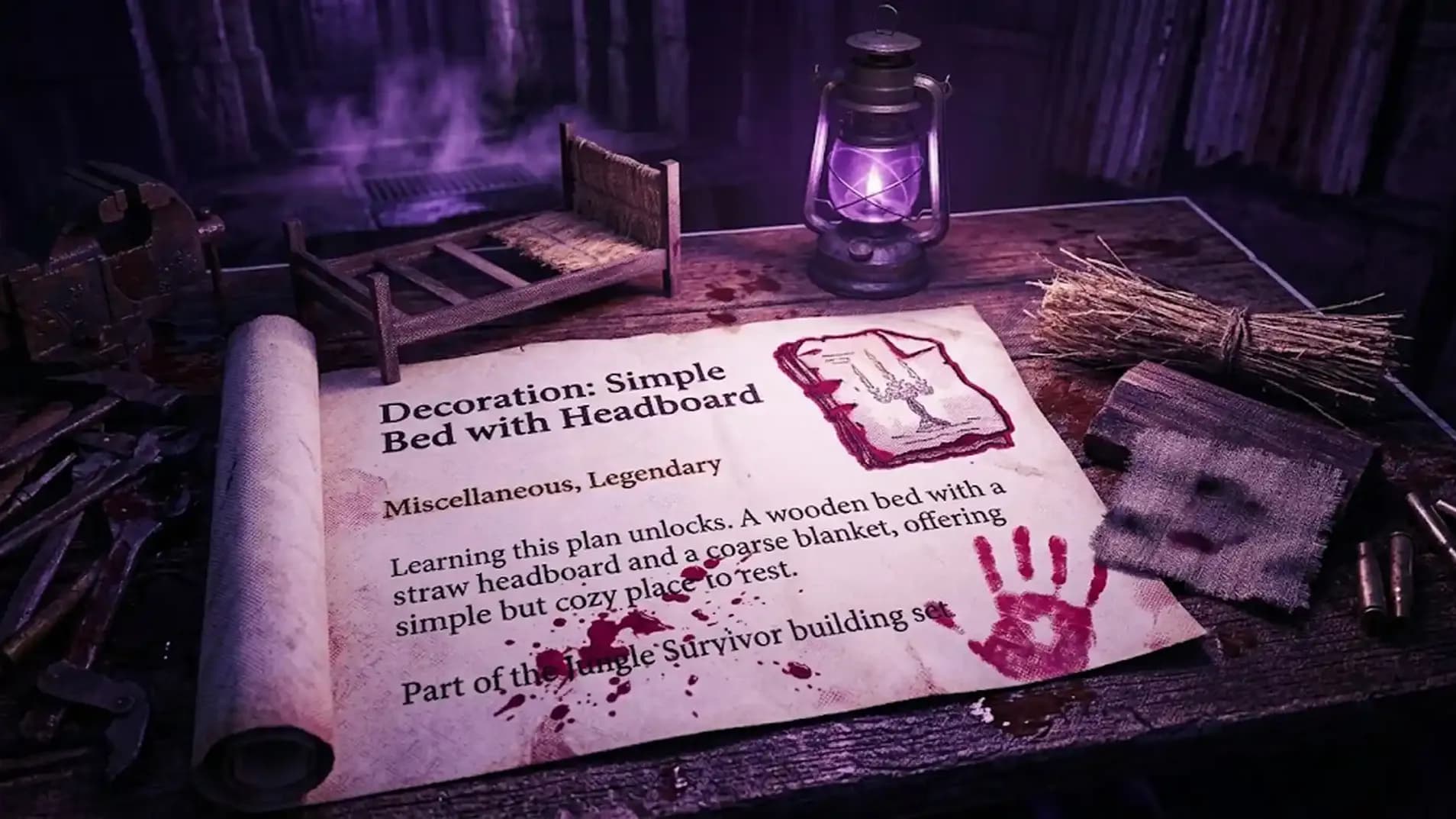
Attention pathetic sailors: stop wandering aimlessly. We finally released the ultimate map guide so you can actually find where the factions hide
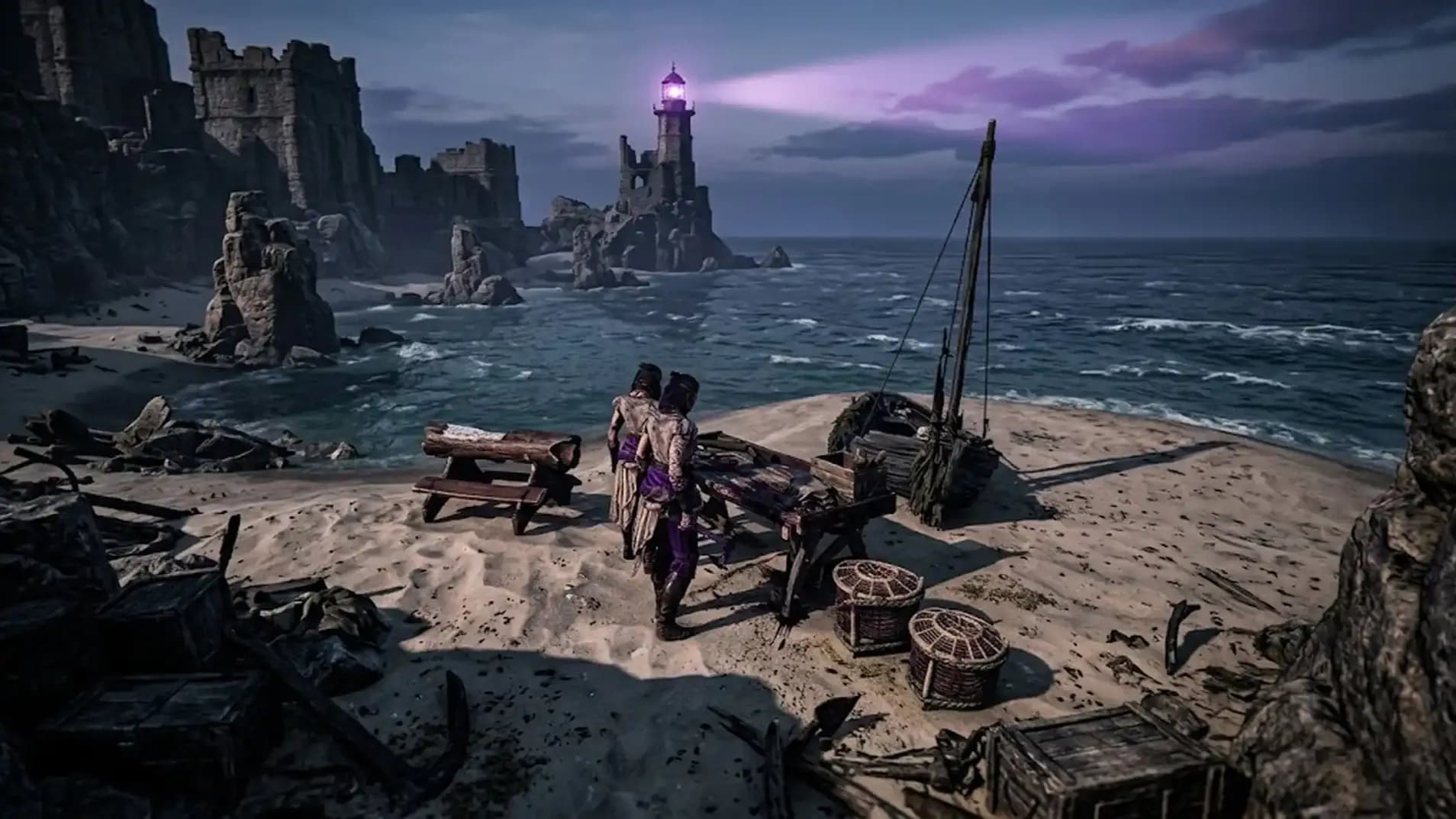
Attention pathetic sailors: stop wandering aimlessly. We finally released the ultimate map guide so you can actually find where the factions hide
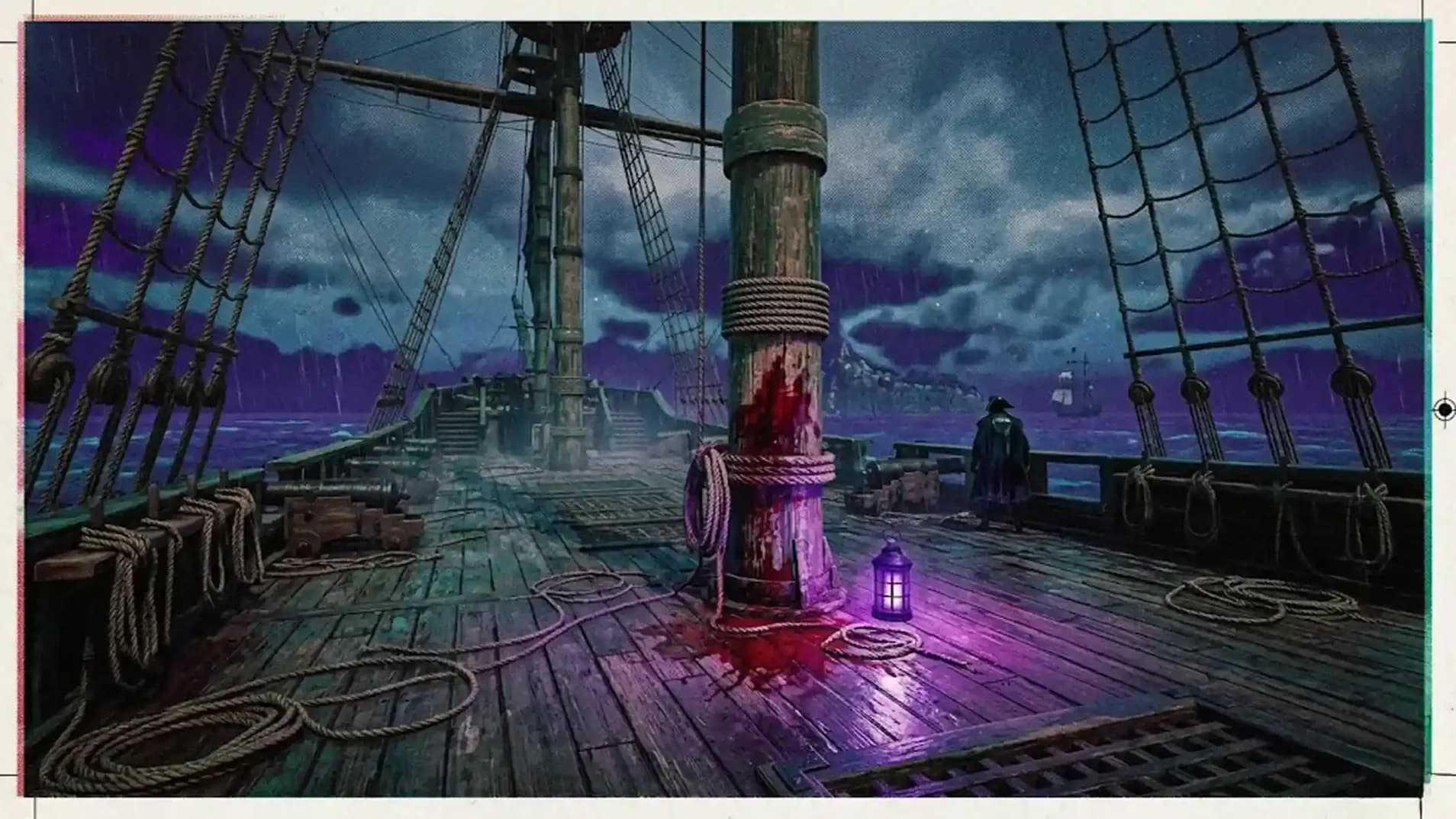
Attention pathetic sailors: stop wandering aimlessly. We finally released the ultimate map guide so you can actually find where the factions hide
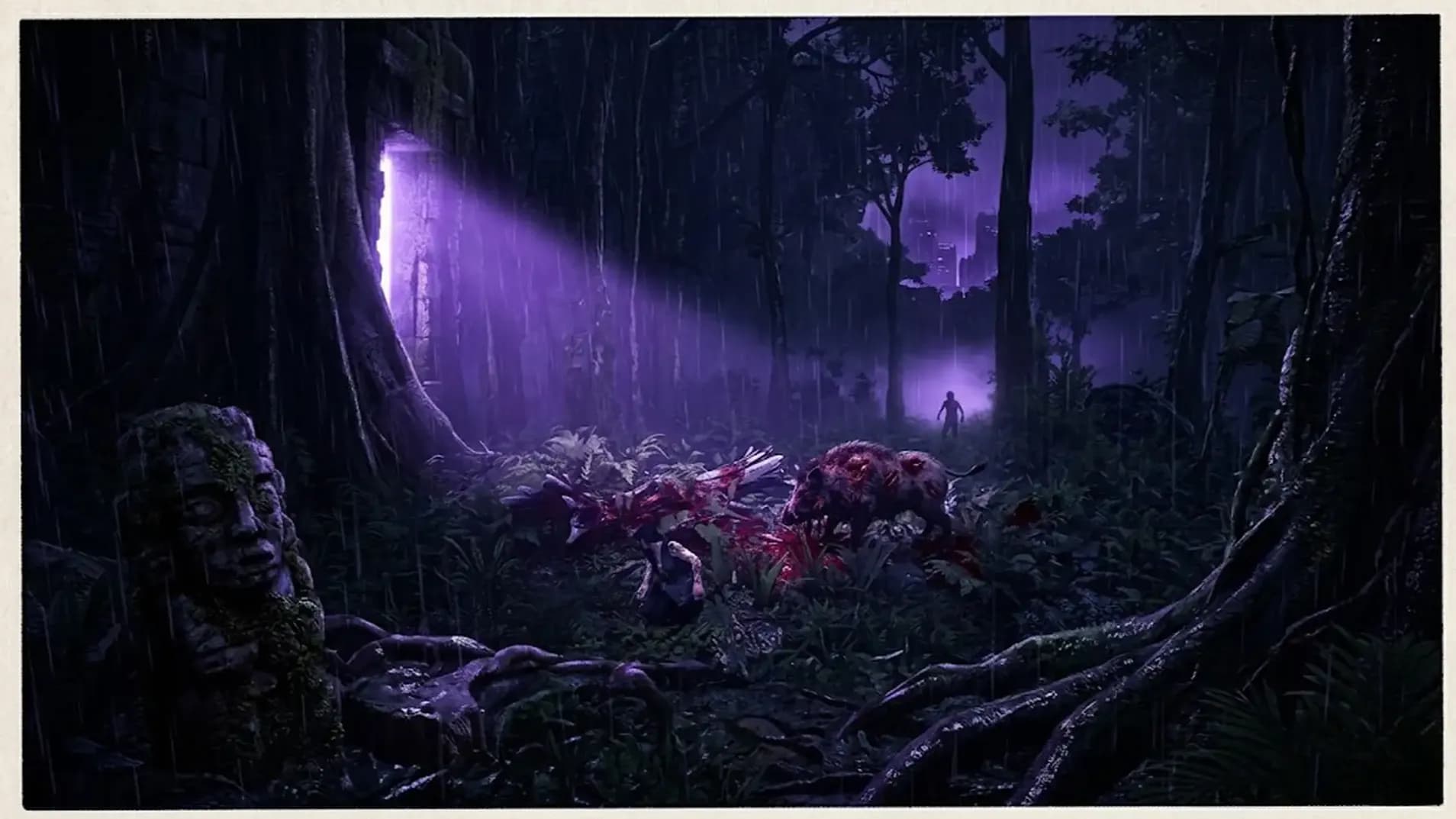
Attention pathetic sailors: stop wandering aimlessly. We finally released the ultimate map guide so you can actually find where the factions hide
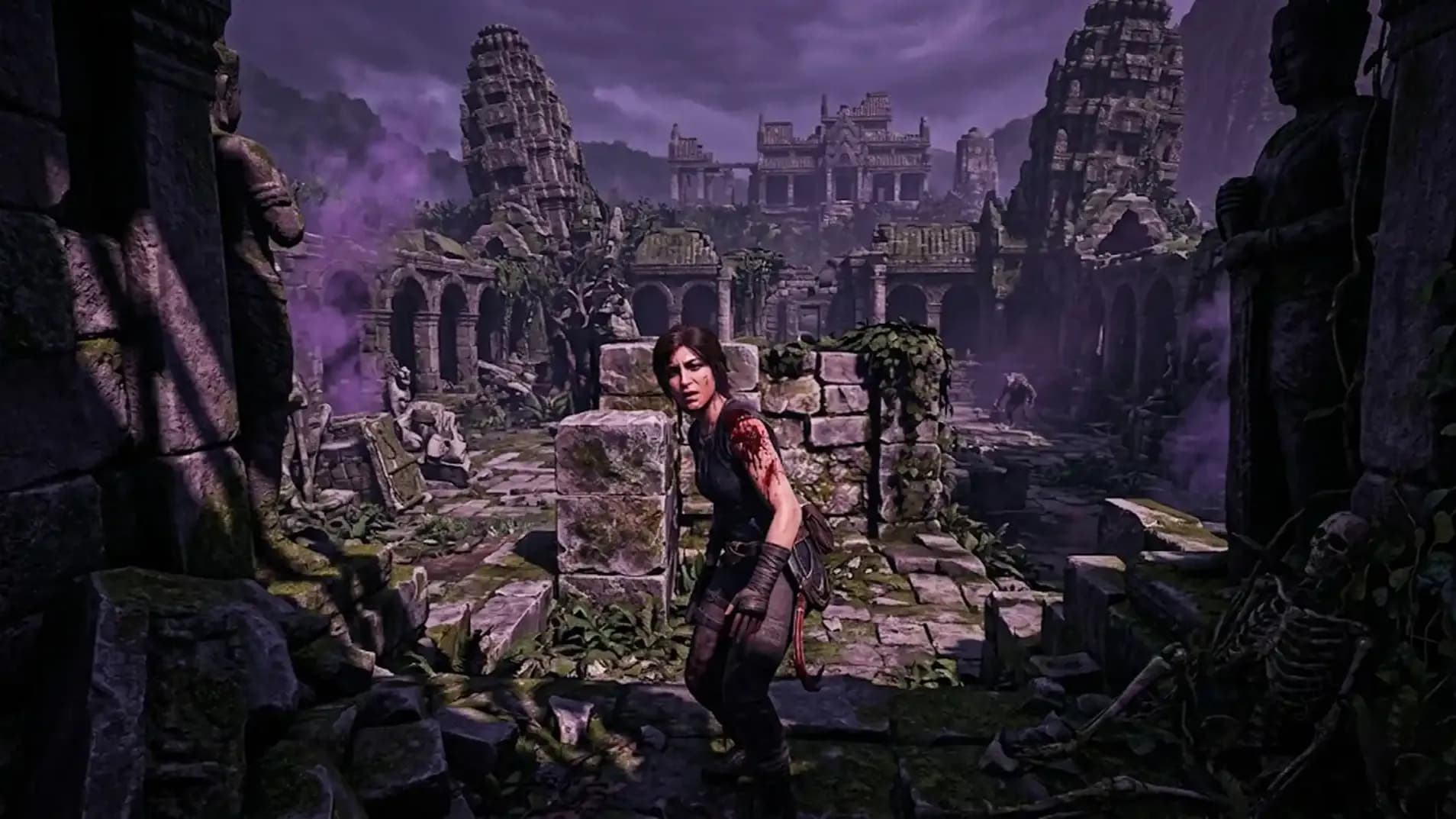
Attention pathetic sailors: stop wandering aimlessly. We finally released the ultimate map guide so you can actually find where the factions hide

Because you failed to explore anything, and the procedurally generated world refuses to reward your inherent laziness.
Yes, you can manually select the world files from your local directory if you are competent enough.
He is pathetically waiting at the Brethren of the Coast home base. Bring exactly five hundred Piastre.
No, you do not need to have explored any of your map whatsoever to begin this.
Yes, this takes out the guesswork, so you can locate any other faction without fail entirely.

GTA 6, new seasons, major updates — get ready to dominate from day one