



Path of Exile 2 Boosting
PoE 2 Druid guide | 0.4 Path of Exile Druid Guide
Stop blaming your build. Your settings are killing you. This PoE 2 guide covers every hidden option from weapon set passive allocation to VSync
Path of Exile 2 lets you sprint. You have probably noticed this. What you have probably not noticed is that sprinting has a roughly one-second recovery period afterward, during which your character stands around contemplating its own mortality. Congratulations — you have been voluntarily sprinting into boss AoEs and then freezing in place like a confused tourist.
The fix lives in Options → Interface → Gameplay. The setting is called "Keep Sprinting While Moving." Enable it. What it actually does: once you start sprinting you can release the sprint key and your character continues until you stop moving or roll. This gives you independent control over your roll direction, so instead of watching your character decelerate into an unavoidable puddle of ground fire, you can roll backwards, sideways, or directly into whatever direction keeps you alive. The PoE 2 sprint mechanics only make sense once this is on.
This only works if you have a "Move Only" button bound. Without it, your character attacks rather than moves toward the cursor. Bind it, enable the setting, proceed to not die.
On controller: hold the sprint button to share it, then adjust from there. It is not intuitive. Nothing about controller support in this game is intuitive. Welcome to Wraeclast.
After completing the campaign, you receive 24 weapon set passive points that most players treat as a vague bonus and ignore. They are not a bonus. They are effectively a second passive tree running simultaneously with your main one, context-dependent on which weapon is active. Using them badly is like having a sports car and driving it at 30 km/h because you're scared of the noise.
A practical example, because apparently practical examples are what we're doing: run a curse-based debuff setup on Weapon Set 2 to strip enemy resistances, swap to Weapon Set 1 for raw elemental damage output. 4 points can cover what would normally cost 9 points in the global tree. You save 5 points. Five points is not Path of Exile 2 currency help.
|
Use Case |
Weapon Set 1 Focus |
Weapon Set 2 Focus |
Why Bother |
|
Bossing vs. Mapping |
Critical strike chance / multiplier |
Area of Effect, Attack Speed |
Boss melting vs. screen clear — two different jobs |
|
Elemental Mage |
Lightning damage nodes |
Curse duration / area |
Apply debuffs, swap, deal damage. Basic. |
|
Sustain Setup |
Primary damage skill tree |
Life regen / movement speed |
Survive the journey between fights |
|
Ranged + Melee Hybrid |
Crossbow projectile nodes |
Melee + defensive passives |
Each weapon activates its own passive sub-tree on swap |
You do not need two weapons to use this system. Lock one weapon to both sets via the inventory interface, then assign different skills to different weapon sets from the skill menu. The game does not teach you this. You are welcome.
To get more than the base allocation, farm Book of Specialization — dropped by Act bosses and through certain quests. Each copy grants 2 additional points per set. Boss drop rates are mercifully higher than mini-boss rates, which are approximately the same as finding a reasonable human being on the internet.
Controller Users To allocate weapon set points on controller: hold the button on a passive node instead of pressing it. To assign skills to a specific weapon set: go to Bind Screen → Skill → Skill Options. It is buried with the same enthusiasm a developer has for users finding it.
There are two restriction toggles the game enables by default that will quietly sabotage your experimentation: Gem Cutting Restrictions and Equipment Restrictions. Both sound like helpful guardrails. Both are, in practice, an obstacle to building anything interesting.
Gem Cutting Restrictions prevent you from engraving skills that are already socketed or conflict with current socket logic. The moment you want two copies of the same skill — say, one cast manually and one triggered via Cast on Crit — the restriction blocks you and offers no explanation. Disable it under Options → Game and forget it existed.
Equipment Restrictions block you from equipping items your current stats cannot support. The intention is helpful. The execution means you waste time hunting a red tooltip instead of simply dropping a rune to meet the stat requirement. Disable it, read your tooltips yourself, act accordingly. The PoE 2 gem socketing system was built to be manipulated — let yourself do Path of Exile 2 consumables help.
Most of the interface defaults are survivable. A few are actively insulting to your ability to make decisions.
|
Setting |
State |
Why |
|
Show Clock |
ON |
Because it is 4am and you should know that. |
|
Hide Charm Display |
OFF |
You need to see your charm charges. Freeze protection that you don't know about is not protection. |
|
Show Monster Resistance Icons |
ON |
Explains why you are doing no damage without you having to guess. Shown below enemy health bars. |
|
Show Life / Mana Numbers |
ON |
Exact values for life, shield, mana, spirit. Optional for the aesthetically proud, mandatory for the tactically aware. |
|
Hide Remove-Only Stash Tabs |
ON |
If you play multiple seasons, this prevents your stash from becoming a museum of past failures. |
|
Map Landscape Transparency |
OFF / Low |
Turns the minimap into visual noise. Simplistic map is functionally superior. |
|
Map Transparency |
~60% |
Personal preference. Slightly transparent is fine. Fully opaque is a moving wall over your game. |
|
Disable Pausing |
OFF |
Keep pausing on. On bad connections, auto-pause when opening inventory is the only thing standing between you and dying while reading item stats. |
|
Auto Equip |
ON |
Useful in early campaign. Meaningless past early acts but harmless. |

The Path of Exile 2 loot filter system exists because the game will otherwise cover your screen in white text for items worth approximately zero currency. Enabling "Hide Filtered Ground Items" under Options → Game does not just reduce clutter — it actively prevents the rendering of filtered items, which translates directly to FPS gains in dense packs. Every item the game doesn't render is a calculation it doesn't make.
Head to FilterBlade (the tool from PoE 1, still functional for PoE 2 with adjustments) and download a Semi-Strict filter to start. Run Soft during campaign. Switch to Semi-Strict or Strict once you hit maps and the floor starts generating enough garbage to crash a recycling facility. The FilterBlade loot filter setup takes approximately ten minutes and saves you hours of squinting at itemized Path of Exile 2 character help.
Since patch 0.1.1e, pressing Left Stick on controller reveals items hidden by your filter. Use a stricter filter than you think you need, then reveal after boss kills. Works far better than scrolling through 40 labeled items with an analog stick.
The PoE 2 performance optimization conversation is mostly about three things: your renderer, your FPS cap, and your willingness to turn off VSync.
Start with DirectX 12 on modern hardware. If you experience crashes, switch to Vulkan. If Vulkan crashes, try DX11 as a last resort — it is less efficient but sometimes more stable depending on driver state. Switching renderer is the first step before any other crash investigation.
Turn it off. VSync buffers frames to prevent tearing, which introduces input latency between your action and the game's response. In a game where dodge rolls have a one-second recovery window, that latency is not acceptable. If you have screen tearing at high FPS, use a hardware-level G-Sync or FreeSync solution instead.
Counterintuitively, capping your FPS lower than your monitor's maximum often produces a smoother experience than running uncapped. If your GPU is producing 150 FPS in the hideout and drops to 60 during a dense pack fight, that fluctuation is more disruptive than a steady 90. Cap it. The white line in the frame graph should stay flat. FPS cap settings PoE 2 belong in your first session configuration, not as an afterthought.
|
Setting |
Recommendation |
Notes |
|
Renderer |
DirectX 12 / Vulkan |
DX11 as fallback only |
|
Display Mode |
Windowed Fullscreen |
Alt-Tab without existential consequences |
|
VSync |
OFF |
Non-negotiable unless you enjoy delayed deaths |
|
FPS Cap |
~90 (or monitor refresh rate) |
Flat FPS > high peak FPS |
|
Upscaling (NVIDIA) |
DLSS Quality, ~15% sharpness |
Visually acceptable. AMD FSR 1 is noticeably worse. |
|
Dynamic Resolution |
Optional |
Drops resolution momentarily during heavy fights. You likely won't notice. FPS will thank you. |
|
NVIDIA Reflex + Boost |
ON (NVIDIA only) |
Reduces input latency. On non-NVIDIA hardware: irrelevant. |
|
Shadow Quality |
Low–Medium |
Highest performance gain for the least visual sacrifice |
|
Global Illumination |
Off or Low |
Demanding. Largely irrelevant in a top-down ARPG. |
|
Particle Effects |
Low–Medium |
Most FPS drops in combat trace back here. |
|
Engine Multi-Threading |
ON |
Uses your CPU cores properly. Keep it on unless it causes loading crashes, then test. |
For anyone still experiencing PoE 2 crash fix DirectX Vulkan issues after switching renderer: verify game files via Steam (Properties → Installed Files → Verify Integrity), add --wait-for-preload as a Steam launch option, and ensure the game runs as administrator. These are not glamorous solutions. They work Path of Exile 2 mirror help.
Here is a thing the game will not tell you: rolling provides a brief speed burst followed by a recovery slowdown. Walking at consistent speed is often superior for avoiding slow, telegraphed attacks. Many new players panic-roll directly into the same circle they were walking out of, then die confused. The cemetery ghost boss is the canonical example — walk out calmly, do not roll into the ground fire.
The dodge roll in Path of Exile 2 does not grant full invincibility frames throughout the animation. Timing matters. More than in most ARPGs. If you are dying while rolling, you are not bad at the game; you are bad at rolling specifically. The PoE 2 dodge roll invincibility frames window is narrow enough that mistimed rolls are worse than walking.

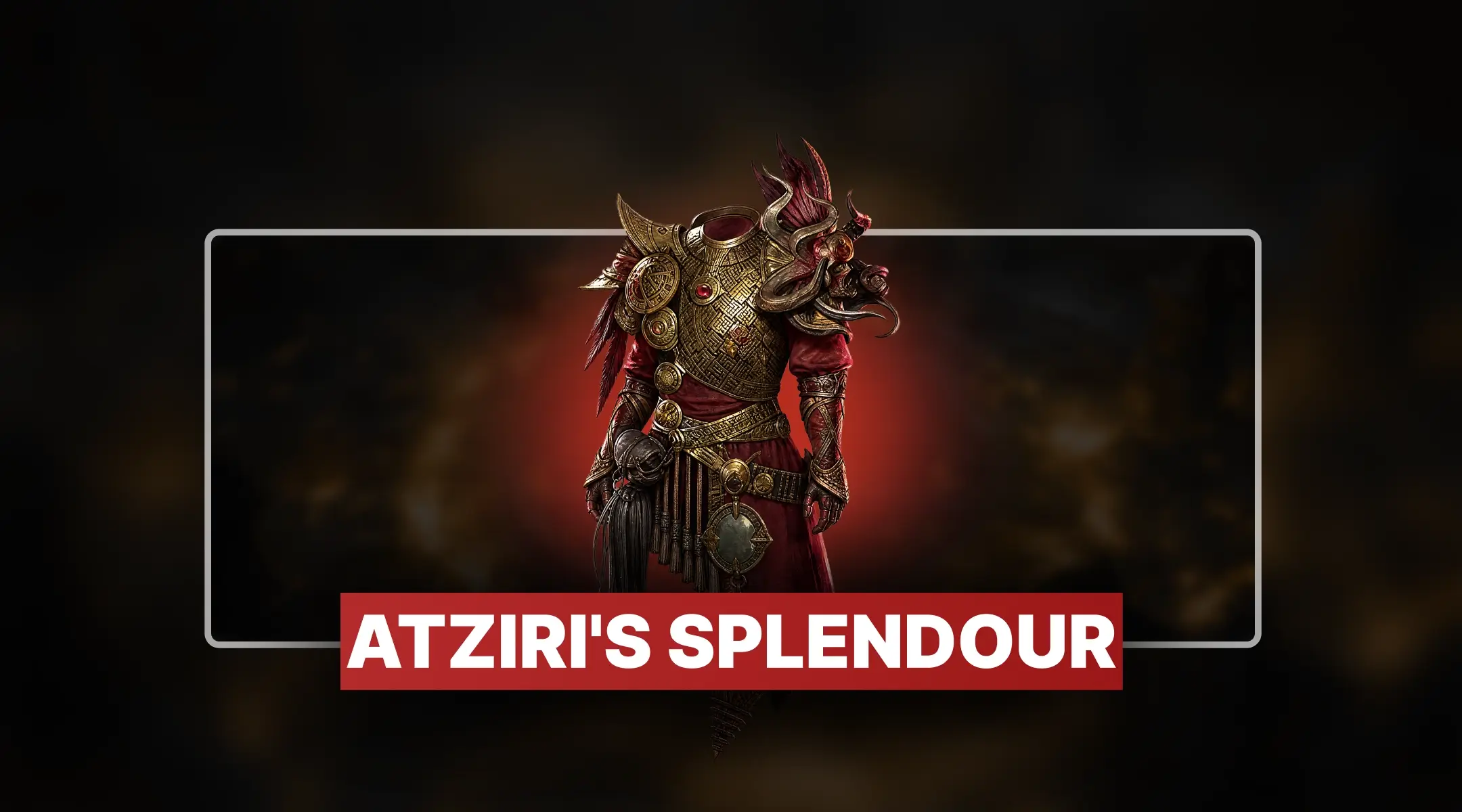


Stop blaming your build. Your settings are killing you. This PoE 2 guide covers every hidden option from weapon set passive allocation to VSync
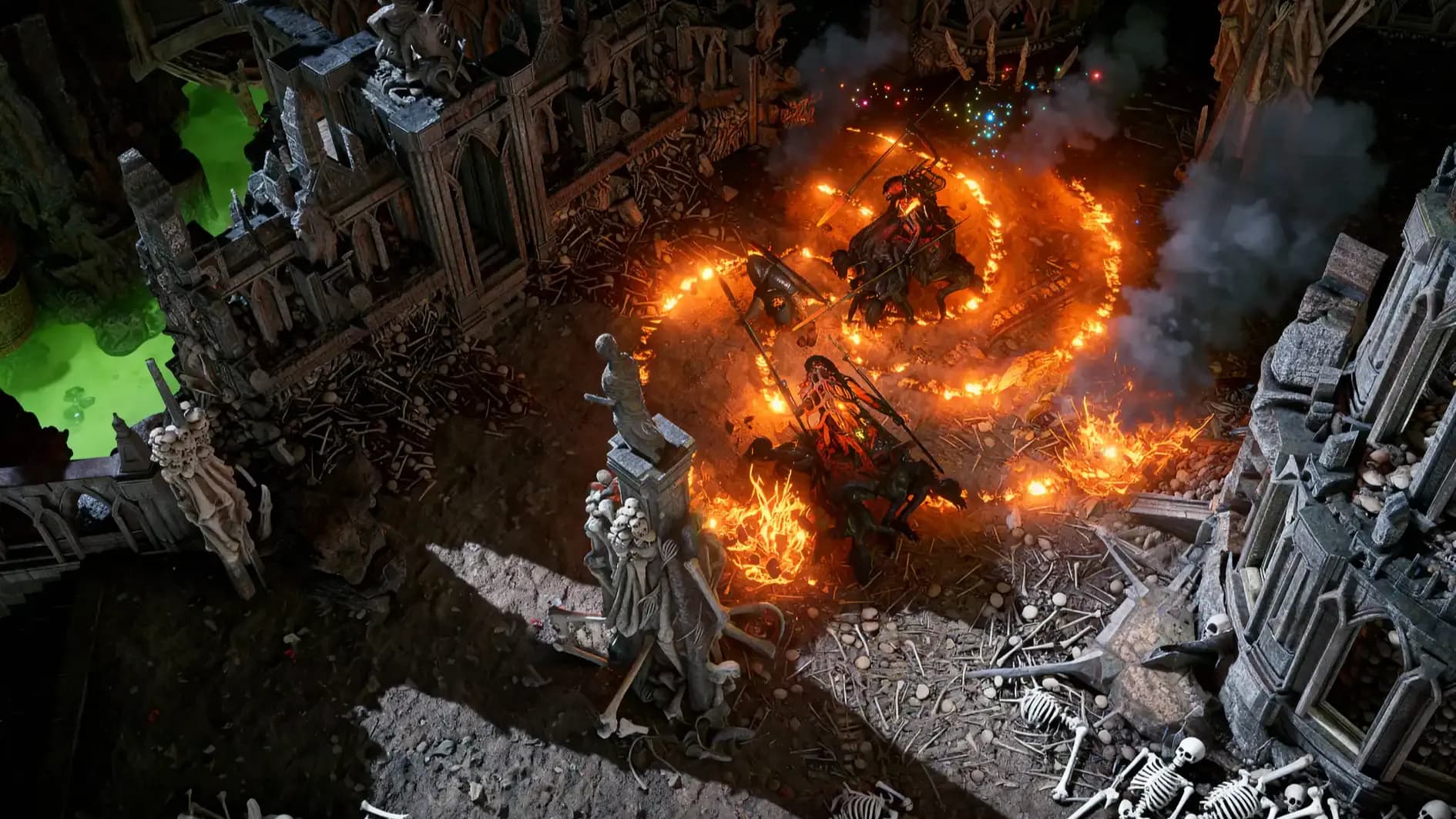
Stop blaming your build. Your settings are killing you. This PoE 2 guide covers every hidden option from weapon set passive allocation to VSync

Stop blaming your build. Your settings are killing you. This PoE 2 guide covers every hidden option from weapon set passive allocation to VSync

Options → Interface → Gameplay section. Not in Controls. Because of course it isn't.
No. Lock one weapon to both sets, assign skills per set. One weapon, two passive configurations.
Start with DX12. Switch to Vulkan if you crash. Try DX11 only as a last resort on older systems.
Hidden items don't render. Fewer rendered objects means fewer GPU calculations during dense fights.
Farm Book of Specialization from Act bosses or quest rewards. Each grants 2 additional points per set.

GTA 6, new seasons, major updates — get ready to dominate from day one