
Escape from Tarkov Boost
Escape From Tarkov Kolotun Guide
GeForce Now snubbed Tarkov, so we tested the cloud PCs that actually run it. Full config, pricing, BattlEye risks and setup steps explained.
Here's the part nobody wants to type in bold letters, so we will: escape from tarkov cloud gaming does not exist on any of the streaming services that made you comfortable in the first place. No app, no click, no "stream now" button. Tarkov punishes you before the raid even starts, and this time the punishment is administrative.
If you want to survive your next raid and secure that precious loot, you obviously must read the following:
(Pack your meds, check those mags, and we'll see you in Norvinsk!)
Battlestate Games never bothered submitting Tarkov to the polite cloud-streaming clubs, and those clubs never bothered chasing it. The result is a graveyard of "Get notified" buttons.
|
Service |
Status |
Notes |
|
GeForce Now |
Unavailable |
Requested for years on NVIDIA's own forums, ignored just as long. |
|
Boosteroid |
Unavailable |
No listing, no announcement, no hope. |
|
Xbox Cloud Gaming |
Unavailable |
Tarkov was never a console citizen to begin with. |
|
Amazon Luna |
Unavailable |
Same silence, different logo. |
|
PlayStation Cloud |
Unavailable |
Not even a rumor. |
|
Shadow PC |
Playable |
Full Windows VM, you install your own copy. |
|
airgpu |
Playable |
Same idea, app-based access. |
|
CloudDeck |
Playable |
Own-game-required cloud PC as well. |
Tarkov runs on BattlEye, and battleye anti-cheat virtual machine detection is not subtle about its opinion of you. The anti-cheat actively looks for virtualization signatures before it lets the game breathe, which is exactly the architecture every consumer streaming service is built on. GeForce Now and Xbox Cloud Gaming are, structurally, virtual machines wearing a friendly UI. BattlEye sees through the costume immediately.
The workaround is unglamorous: rent an entire remote Windows machine and install the game yourself, like it's 2009 again. Tarkov shadow pc setups and tarkov airgpu setups both fall into this category, and both require you to already own the game on your launcher of choice.
|
Provider |
Access |
Own Game Required |
Max Output |
|
Shadow PC |
App or browser |
Yes |
Up to 4K/60 FPS, RTX |
|
airgpu |
App only |
Yes |
Up to 4K/60 FPS, RTX |
|
CloudDeck |
App |
Yes |
Varies by tier |
Yes, technically, and this is where the pitch gets seductive. If your goal is to play tarkov without gaming pc hardware sitting under your desk, a rented cloud PC replaces the graphics card and the fan noise both. You still need the game license, a stable connection, and a tolerance for input lag turning your headshots into "nice try" screenshots.
Some services let you skip installing anything locally at all. If someone tells you they stream tarkov browser-only with zero downloads, that's Shadow's browser client doing the heavy lifting, not magic. airgpu, notably, refuses this convenience and demands its own app, because convenience is apparently optional here.
People keep asking about tarkov geforce now availability, tarkov boosteroid support, and tarkov xbox cloud gaming compatibility on forums, Reddit threads, and increasingly desperate tweets. None of these wishes have been granted, and there's no indication Battlestate Games is in a hurry to grant them. The publisher has bigger fires to put out than accessibility.
Playing on a tarkov cloud pc is not itself bannable. BattlEye blocks unsupported virtualization outright rather than banning you after the fact, so if the game launches, you're running on infrastructure BattlEye already tolerates. The risk isn't a ban wave; it's paying a monthly cloud PC subscription on top of a game notorious for wipes.

GeForce Now snubbed Tarkov, so we tested the cloud PCs that actually run it. Full config, pricing, BattlEye risks and setup steps explained.
GeForce Now snubbed Tarkov, so we tested the cloud PCs that actually run it. Full config, pricing, BattlEye risks and setup steps explained.
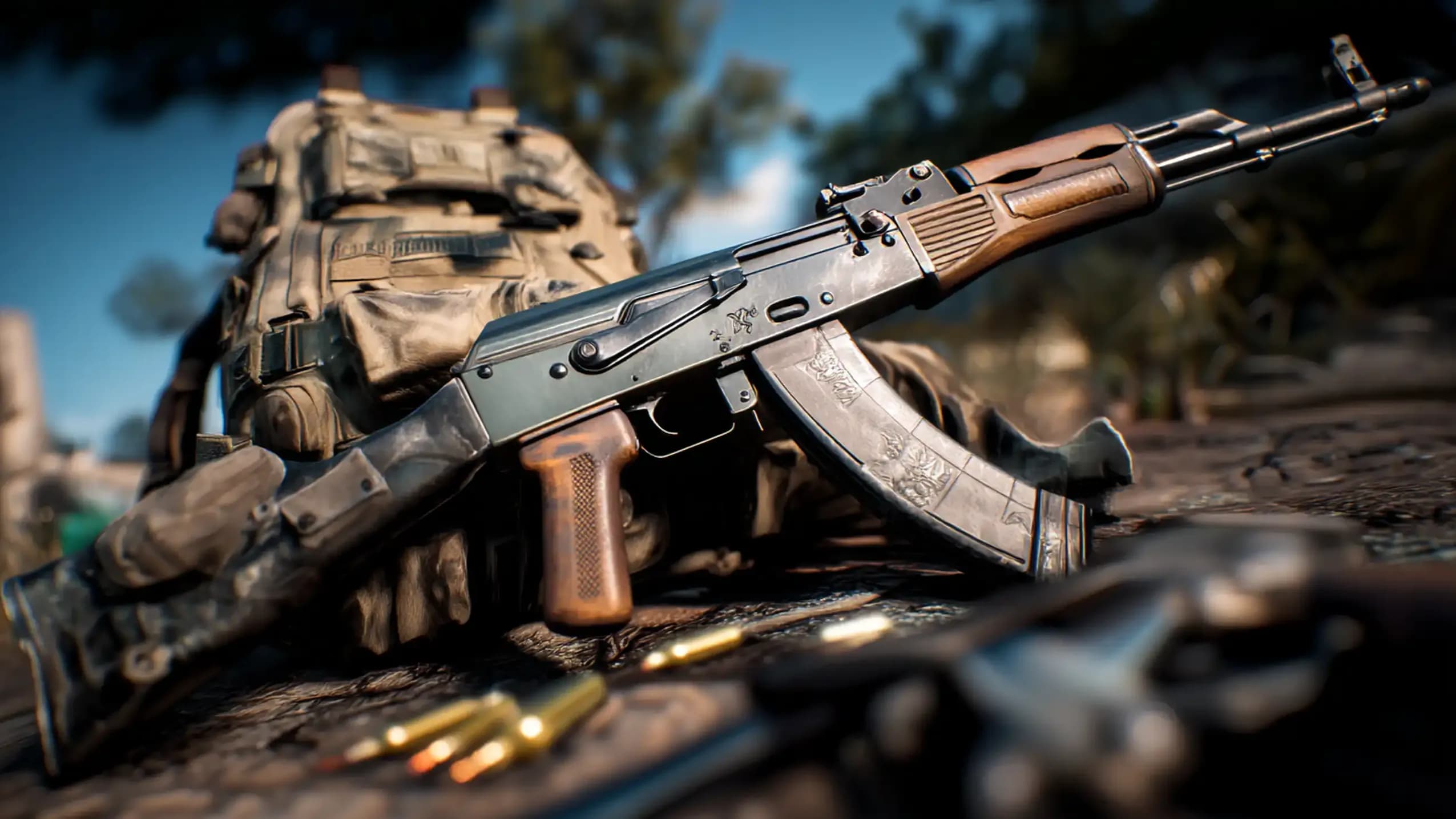
GeForce Now snubbed Tarkov, so we tested the cloud PCs that actually run it. Full config, pricing, BattlEye risks and setup steps explained.

No. It's not listed, not supported, and has been requested on NVIDIA's forums for years without any progress.
No. Tarkov isn't available on Xbox Cloud Gaming, PlayStation Cloud, or any console-facing streaming platform currently.
Yes, unless you already own it. Cloud PC services require your own purchased copy installed inside the virtual machine.
Unlikely. If BattlEye lets the game launch on that virtual machine, it has already decided to tolerate it.
Yes, through Shadow's browser client. airgpu requires its dedicated app instead, no browser shortcut available.

GTA 6, new seasons, major updates — get ready to dominate from day one.