
Arc Raiders Boost
Arc Raiders Expedition 4 Wipe Guide: July 7-21, 2026
Stuck on ARC Raiders error ART00004 right before a raid? It's a network timeout, not your fault. Here's every fix that actually works, in the right order.
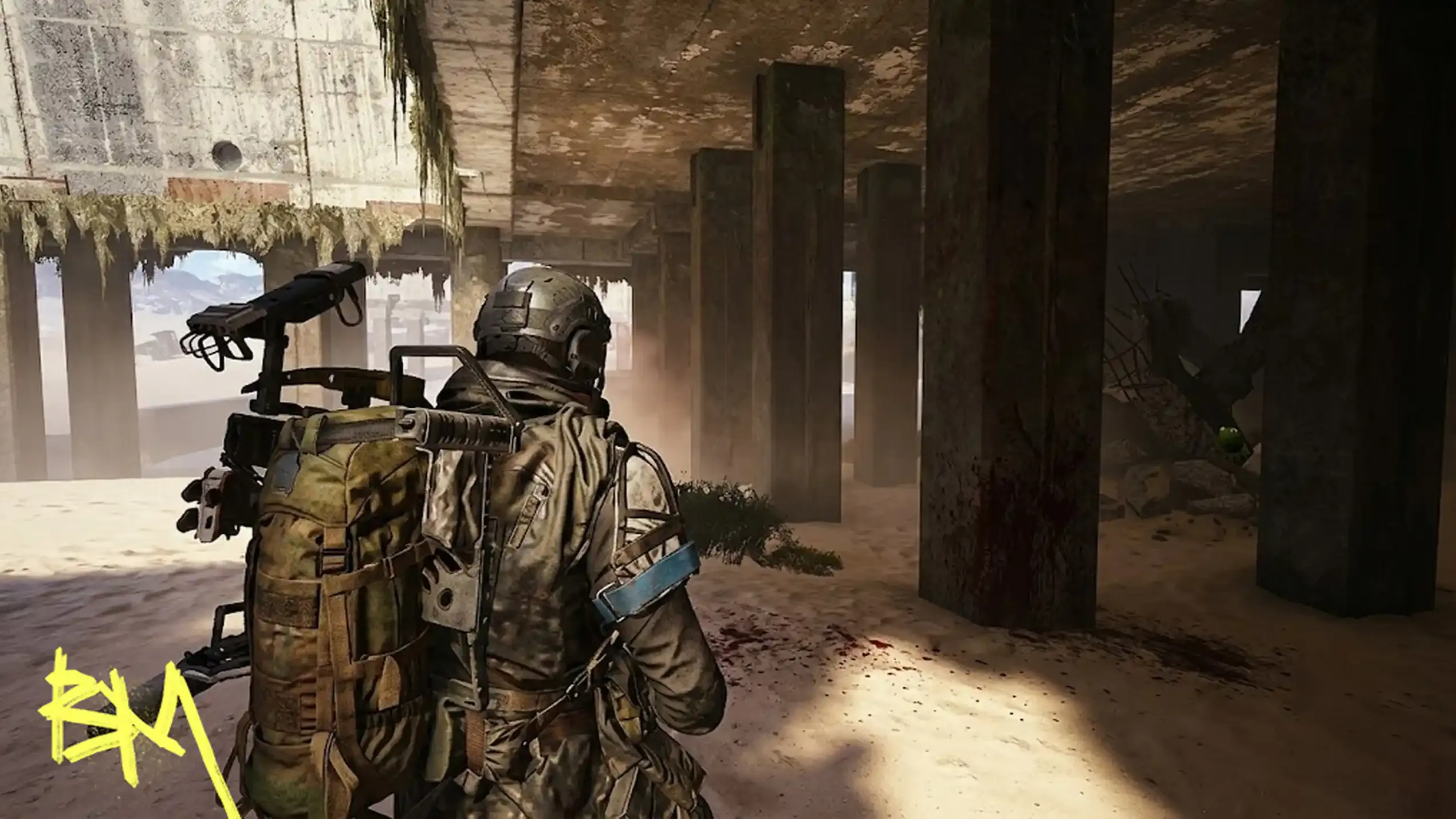
The ART00004 error shows up right as you're about to drop into a raid, which is the game's way of reminding you that dying to a server is somehow worse than dying to an ARC. Translated from corporate into English, it means "retrieving data from backend services timed out." Your client pinged Embark's servers, the servers didn't answer fast enough, and the whole login attempt collapsed. Nothing about your loadout, your stash, or your dignity is at fault here. It's a backend problem dressed up as your problem.
This is an ARC Raiders network timeout, not a corrupted save or a hardware failure. The client is functioning fine; it's the handshake with the backend that never completes. Because ARC Raiders leans on persistent world states, live matchmaking, and real-time inventory syncing, any hiccup in that chain throws the same error regardless of what platform you're on.
|
Cause |
What's Happening |
|
Server congestion |
Too many Raiders logging in after an update or event, backend can't keep up |
|
ISP routing issues |
Your traffic takes a bad path to Embark's servers, adding latency or drops |
|
Version mismatch |
Console hasn't pulled the latest hotfix, backend rejects the handshake |
|
Clock desync |
Device time doesn't match server time, security handshake fails |
|
Full outage |
Servers are just down, and no amount of retrying fixes that |
Before diagnosing an ARC Raiders connection error on your end, confirm it isn't happening on Embark's end first. Check ARC Raiders server status through the official Discord, the game's X account, or Downdetector. One past outage on December 25, 2025 reportedly hit around 25,000 US players simultaneously, and no amount of router-cycling fixes a problem that lives entirely on someone else's infrastructure.
If thousands of people across different ISPs and platforms get the same error at the same time, that's not your Wi-Fi. That's Embark having a bad day.
If servers are confirmed live and you're still staring at the error, work through this list before concluding the universe hates you specifically.
|
Fix |
Why It Works |
|
Full restart |
Clears cached routing and refreshes the connection attempt |
|
Wired connection |
Removes Wi-Fi jitter, the top hidden cause of timeouts |
|
Clock sync |
Security handshake needs matching timestamps to validate |
|
DNS change |
Bypasses bad ISP routing to Embark's servers |
|
Update check |
Backend refuses outdated client versions outright |
Sometimes this is a straightforward ARC Raiders backend error and there's nothing to troubleshoot. Major content drops flood login servers, queues form, and some of those queued connections simply time out before they clear. If your clock is right, your files are verified, your connection is wired, and you're still locked out, you're waiting on Embark, not on yourself. Following official channels for outage confirmation saves you from repeating fixes that were never going to work.
An ARC Raiders disconnect issue mid-raid is a separate flavor of pain from ART00004 at login, but the causes overlap heavily: unstable routing, server load, and the same backend dependency. If you're getting kicked out during a run rather than blocked at the door, the fixes above still apply, they just won't feel as satisfying since you already lost the loadout.

• Fast Trials rank progression
• Guaranteed three-star completions
• Premium rewards unlocked instantly
Stuck on ARC Raiders error ART00004 right before a raid? It's a network timeout, not your fault. Here's every fix that actually works, in the right order.
Stuck on ARC Raiders error ART00004 right before a raid? It's a network timeout, not your fault. Here's every fix that actually works, in the right order.
Stuck on ARC Raiders error ART00004 right before a raid? It's a network timeout, not your fault. Here's every fix that actually works, in the right order.

Usually temporary — restart, check server status, retry after a few minutes.
No, it's a network timeout, not corrupted data or a broken install.
Sometimes, if your ISP's routing is broken, but it can also make things worse.
Because it's backend-side; server congestion doesn't care what device you own.

GTA 6, new seasons, major updates — get ready to dominate from day one