
Other Games
Robux Farm Guide 2026: Legit Methods, No Scams
New Roblox avatar guide: editor basics, R6 vs R15, UGC items, layered clothing, bundle tips. Read it before your avatar embarrasses you.
You opened Roblox, saw your character, and felt something. Shame, probably. Good instinct. This roblox avatar is the thing every other player looks at before they judge your entire personality, so let's fix it. No fluff, no motivational nonsense about "expressing yourself" — just the mechanics, and the pain of learning them.
Open the roblox avatar editor from the main menu. It's a wall of dropdowns: hats, hair, face, body, animations. Click a category, click an item you own, watch your avatar mutate in real time. If it doesn't update, hit "Redraw," which exists specifically to remind you the software wasn't quite finished.
Every avatar runs on one of two skeletons, and the R6 vs R15 decision matters more than most people bother to learn before complaining about clipping. R6 is the original six-piece rig: torso, head, two solid arms, two solid legs, no elbows, no dignity. R15 splits the body into fifteen parts so limbs actually bend, which is why almost every modern experience forces it whether you like it or not.
|
Feature |
R6 |
R15 |
|
Body parts |
6 |
15 |
|
Joints / bending |
None, arms and legs are rigid |
Elbows, knees, full articulation |
|
Animation packs |
Very limited |
Wide selection, layered emotes |
|
Scaling / Rthro support |
Not compatible |
Fully compatible |
|
Where it's used |
Older or nostalgia-driven games |
Default for nearly everything since 2016 |
Switching to R6 in the editor deletes any items that don't fit it. Roblox will not warn you twice.
Most of what makes a good avatar isn't made by Roblox at all. Roblox ugc items are accessories, clothing, and even full bodies uploaded by independent creators through the Creator Dashboard and sold on the Marketplace. That glowing sword, those anime ears, the tiny shoulder pet — all community-made, all priced by someone hoping you'll impulse-buy.
Roblox layered clothing lets 3D garments drape over your body and over each other — jackets over shirts over base clothing, all shrink-wrapped in real time so they don't clip through your limbs. In theory. In practice, expect the occasional oversized-hoodie-eats-your-torso glitch, patched eventually, mocked forever on the forums.
A roblox avatar bundles purchase swaps your entire look in one click — body, face, hair, and outfit sold as a package instead of assembled piece by piece. Convenient for people with no patience and a functioning Robux balance.
|
Item type |
What you get |
Effort required |
|
Individual accessory |
One piece, full control |
High — you build the whole look |
|
Bundle |
Coordinated body + outfit set |
Low — someone else already designed it |
|
Custom UGC bundle |
Full body/head replacement |
Medium, mostly a bigger price tag |
If your Robux balance is tragic, free roblox avatar items exist in a dedicated catalog filter and rotate regularly, alongside promo codes tied to real-world brand tie-ins. They're rarely exciting, but they're free, which historically has been enough to make people happy about far worse things.
Under Head & Body, roblox skin tone is a straightforward color picker, with an Advanced tab if you want asymmetrical limbs for reasons only you understand. Body shape uses a slider labeled "Build," running from stick-figure to linebacker, because subtlety was never the goal.
Nothing ruins a good outfit like roblox avatar accessories clipping through your skull or floating three inches off your shoulder. The fix is always the same tedious loop: open Advanced, nudge position/scale/rotation manually, test, repeat, question your hobby choices.
New Roblox avatar guide: editor basics, R6 vs R15, UGC items, layered clothing, bundle tips. Read it before your avatar embarrasses you.
New Roblox avatar guide: editor basics, R6 vs R15, UGC items, layered clothing, bundle tips. Read it before your avatar embarrasses you.
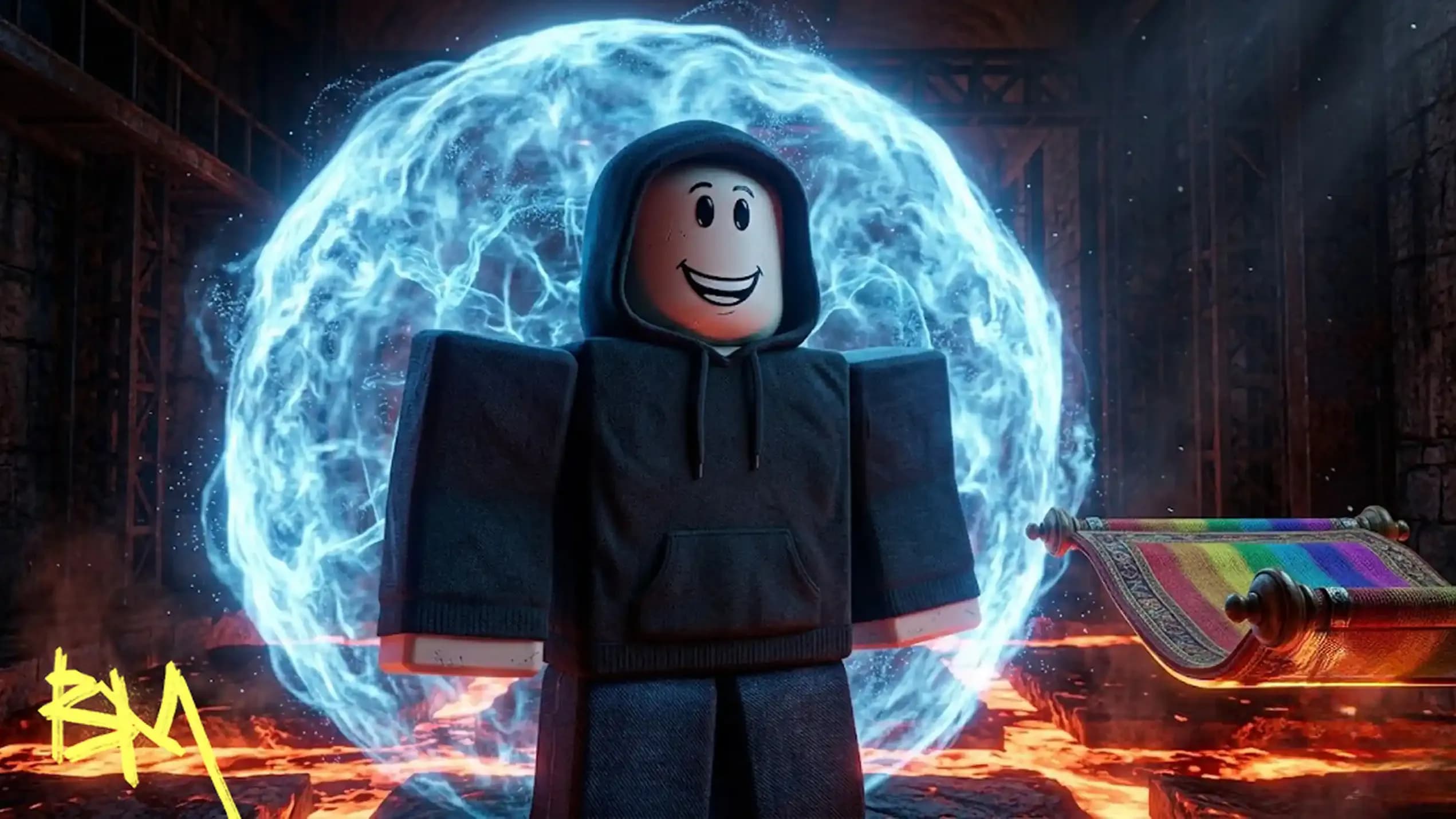
New Roblox avatar guide: editor basics, R6 vs R15, UGC items, layered clothing, bundle tips. Read it before your avatar embarrasses you.
New Roblox avatar guide: editor basics, R6 vs R15, UGC items, layered clothing, bundle tips. Read it before your avatar embarrasses you.
New Roblox avatar guide: editor basics, R6 vs R15, UGC items, layered clothing, bundle tips. Read it before your avatar embarrasses you.

R6 has six rigid body parts and no bending. R15 has fifteen parts with joints, so it moves like an actual person.
No. Independent creators design and upload them through the Creator Dashboard, then sell them on the Marketplace for Robux.
Yes. A free-items filter exists in the catalog, plus occasional promo codes, though selection is limited and unimpressive.
Wrong rig, wrong scale, or wrong placement. Fix it manually in the Advanced editor panel, or swap the body package instead.
3D garments that wrap over your body and each other in real time, letting you stack jackets, shirts, and pants realistically.

GTA 6, new seasons, major updates — get ready to dominate from day one