
Escape from Tarkov Boost
Escape from Tarkov RAM Shortage Guide
Escape from Tarkov 1.0.1 adds matchmaking view, settings tips, winter gear, M110 SASS, Kolotun tasks and fixes – Patch notes overview guide now!
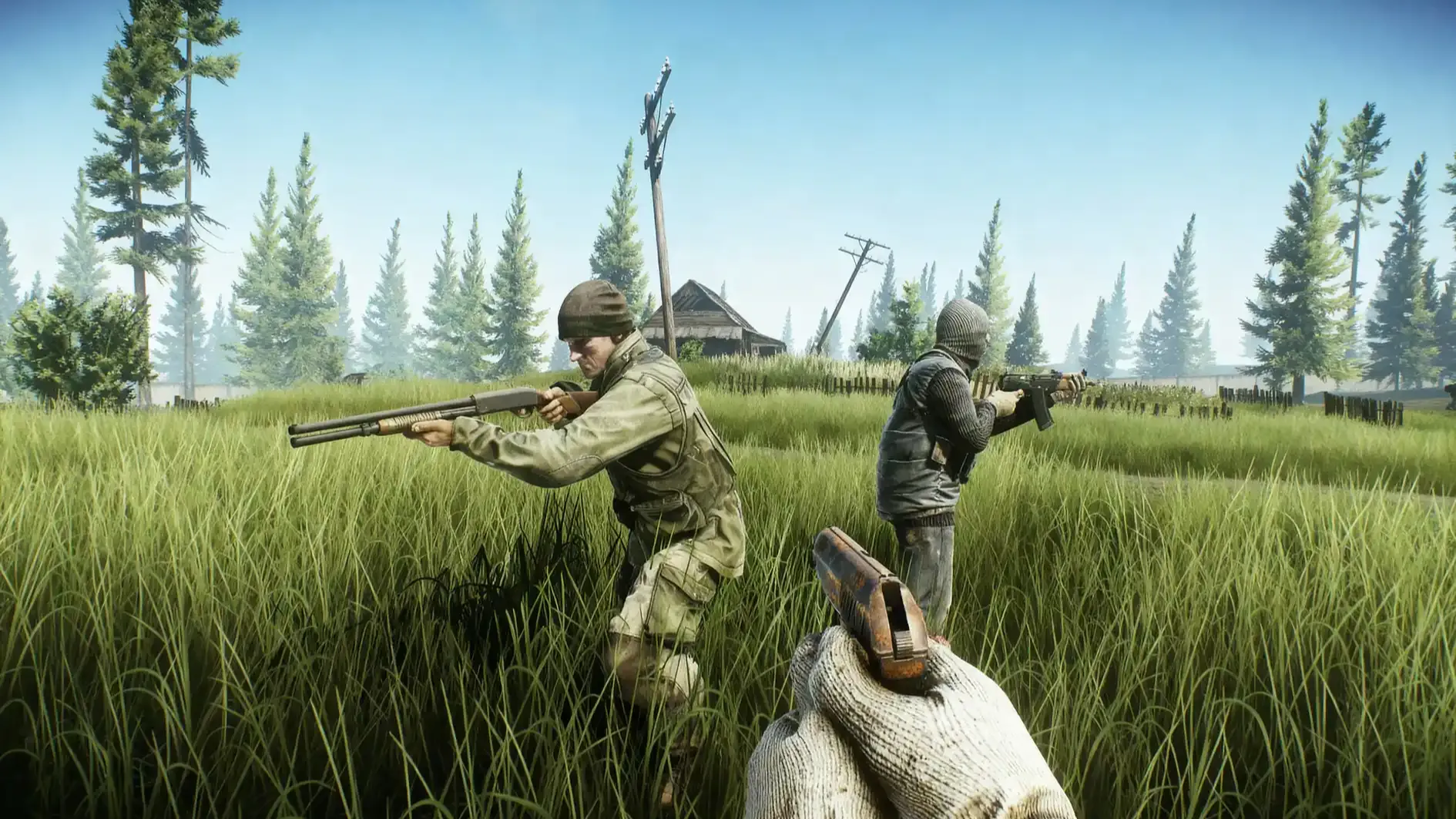
This update focuses on raid loading, clarity in menus, and stability in raids, plus new winter content and the Kolotun event. This text works as an Escape from tarkov 1.0.1 patch overview for planning raids, tasks, and gear choices.
If you’re reading this, you might be interested in a discount just for you—my blog reader! Use code CRINGEBLOG to get an amazing discount on any offer in our shop.
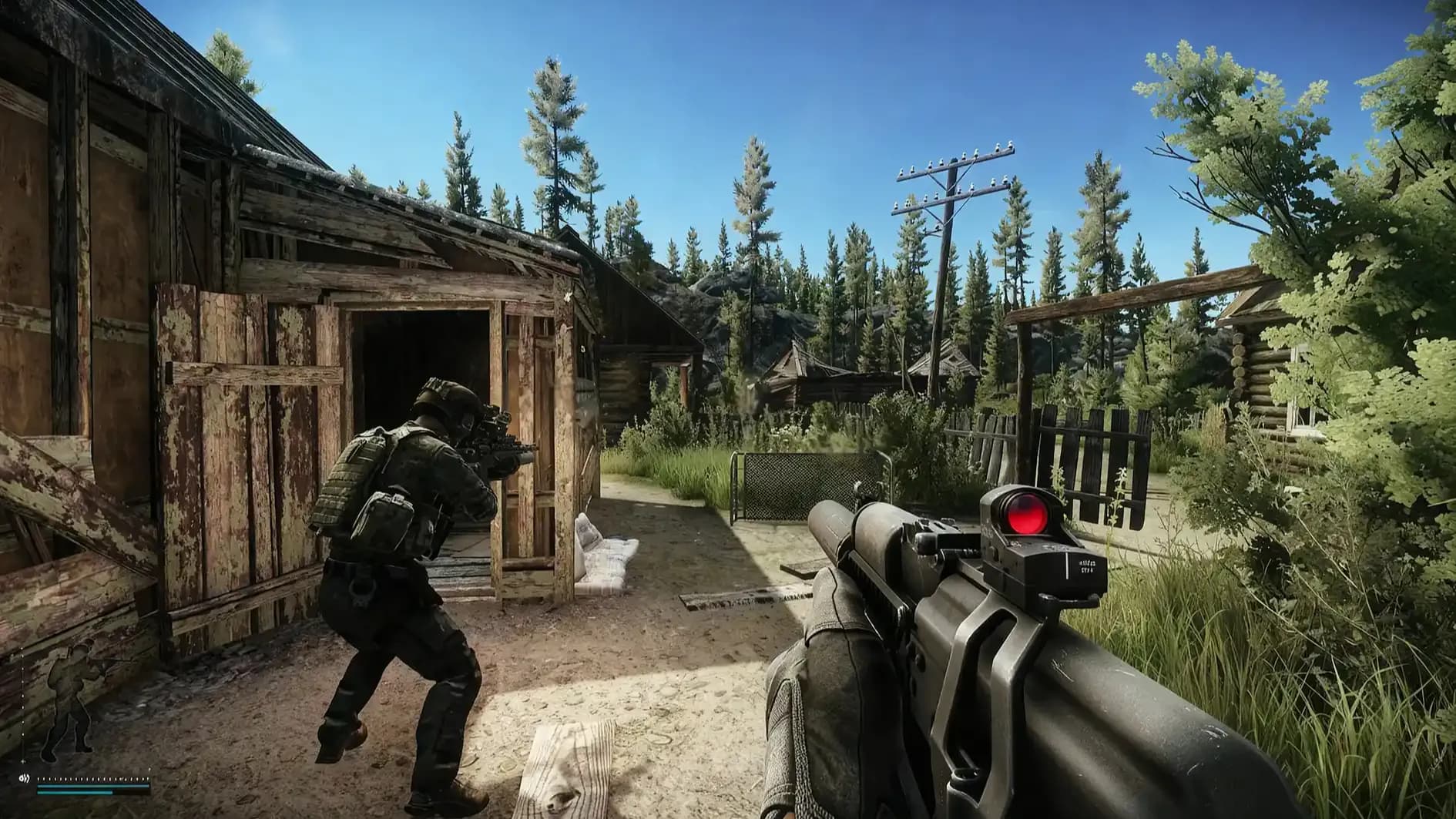
Raid loading now shows an estimated entry time and the current loading stage, so a player gets clearer feedback during matchmaking. Settings now include extra help text about graphics and performance, so choices inside menus feel clearer. New winter content arrives with a new rifle and seasonal cosmetics, plus Kolotun tasks with rewards and an achievement. Task goals and item requirements change in several places, so a quick re-check inside the task list becomes part of normal prep, and this overview keeps the key points in one place.
| Area | Change | Why it matters in raids | Quick action for the player |
|---|---|---|---|
| Matchmaking | Estimated time to enter a raid is visible | Less guessing during queue and loading | Start queue after loadout is final |
| Matchmaking | Current stage of matchmaking is visible | Clear feedback during raid loading | Watch stage changes for stuck cases |
| Matchmaking | Cancel is blocked during some stages | Prevents loading errors and raid issues | Avoid cancel spam during late stages |
| Settings QoL | New tooltips for graphics and performance | Clearer impact on PC parts | Read tips before changing presets |
| New content | M110 SASS added with attachments | New marksman option for mid to long fights | Test recoil and sight picture in safe mode |
| New content | Outdoor trader scenes switch to winter | Seasonal visuals and mood | Expect visual change at traders |
| New content | USEC Gold Squadron and BEAR Senezh clothing | New PMC looks from the official site | Check website packs before buying |
| New content | Winter equipment items added or updated | Seasonal gear pool shifts | Re-check trader stock and loot |
| New content | New streamer items added | Affects collection tasks | Keep space for rare streamer finds |
| Event | Kolotun event starts | Task chain, rewards, achievement | Take the first task as early as possible |
| Event | Kolotun works in PvP and PvE | More ways to finish tasks | Choose mode that fits risk tolerance |
| Balance | Test Drive objectives adjusted | Progress flow changes | Read the full task text again |
| Balance | Collector gets new streamer item needs | Completion list changes | Re-check required item list in stash |
| Balance | Forester’s Duty adjusted | Objective or conditions change | Confirm placement and timing rules |
| Balance | Headwear rules adjusted with masks and headsets | Gear combos change | Rebuild helmet, mask, headset sets |
| Balance | XP modifier adjusted for completed transitions | Route value changes | Plan transition count with extraction plan |
| Fixes | Headshot damage issue while crouched and leaning left | Fairer hit registration | Expect more consistent gunfights |
| Fixes | Ragman currency stack lock issues fixed | Cleaner purchases | Keep currency stacks organized |
| Fixes | Achievements granting during raids fixed | Rewards track correctly | Watch end-raid results screen |
| Fixes | BTR Driver reward item display fixed | Inventory display stability | Re-open inventory if reward arrives |
| Fixes | Flea Market filter sorting issues fixed | Listing views behave correctly | Re-try filters when searching offers |
| Fixes | Trader sale currency to locked stacks fixed | Money flow becomes stable | Keep one active spend stack |
| Fixes | Multi-placement task zone re-entry fixed | Less task friction | Place items in one planned route |
| Fixes | Third-person view sound mute cases fixed | Sound info returns | Trust steps and movement cues again |
| Fixes | Story task note errors fixed | Task text becomes clearer | Re-read story notes for clues |
| Fixes | Sound positioning improved on all locations | Direction feels clearer | Re-tune headset volume and EQ |
| Fixes | Grenade impact sounds through sound portals fixed | Grenade feedback becomes stable | Use portals with grenades more safely |
| Fixes | PvE bots disappearing while healing fixed | PvE fights stay consistent | Expect bodies to stay after death |
| Fixes | Terminal armory assault bot behavior fixed | Event flow is stable | Re-try this area if it was broken |
| Fixes | Kaban and Tagilla behavior fixes | Boss fights become stable | Adjust boss spacing and cover use |
| Fixes | Bot vision distance during fog fixed | Fog behaves as expected | Use fog for rotations and breaks |
| Fixes | Collision, vaulting, shadows, culling fixed | Movement and visibility improve | Re-test common vault spots |
| Fixes | Special slot hotkeys reset after death fixed | Controls stay consistent | Re-check special slot bindings once |
| Fixes | Missing PMC model on Overview screen fixed | UI clarity returns | Use Overview for quick status checks |
| Fixes | Flying bot causes reduced | AI looks normal | Report remaining cases with clips |
| Fixes | PM pistol reload animation with sight rail fixed | Animation matches action | Trust timing on reload again |
| Fixes | Missing trader animations fixed | Trader scenes feel complete | Restart game if scenes look stuck |
Raid loading now gives two new signals during queue and load – an estimated time to enter a raid, and a visible stage indicator. This helps a player understand if the game is still searching, already forming a group, or loading data, so the waiting phase becomes less confusing.
Canceling raid loading is blocked during some stages, because the game is loading specific data at that time, and a cancel there previously caused errors and raid problems. A simple habit helps – start matchmaking only after ammo, meds, and keys are locked in, then let the loading finish once it reaches late stages.
Practical use inside a raid routine – a player can watch the estimate to decide if there is time for a quick stash cleanup, and the stage indicator can help decide if the queue is stuck, so a restart becomes a clear choice instead of guessing. Squad leaders also gain a shared reference point, because the stage text gives a common status message.
The settings menu now contains informational messages that explain what specific options do, and what system components they stress. This helps a player avoid random setting changes that create unstable performance, because the menu gives guidance in plain language.
A simple setup flow works well – a player reads the tooltip first, then changes one option, then tests inside a raid scene that has similar lighting and distance. This keeps changes controlled, and it avoids chasing problems through ten settings at once.
New content arrives across weapons, visuals, cosmetics, and collectibles, and this part of the Patch notes matters for both gameplay and account goals.
The M110 SASS marksman rifle is added with attachments, so a player gains a new platform aimed at precise shots and controlled pacing. The update text does not list the attachment set, so the clean approach is simple – inspect the rifle, test recoil, then build around the scope and ergonomics that fit the player’s aim style.
A basic use pattern fits most raids – hold angles at medium distance, then rotate after one or two picks, because the rifle role shines when the player avoids long sprays. Ammo choice depends on the current wipe economy and trader access, so the player should confirm what is available before committing to a full build.
Outdoor trader interaction scenes switch to winter versions, so menus and visuals match the season. This is mostly presentation, yet a player can still check performance after the update, because scene rendering can feel different on some systems.
USEC Gold Squadron and BEAR Senezh clothing sets become available for purchase on the official Escape from Tarkov website. A safe buying routine is simple – a player logs in on the official site, confirms the account, then applies the set through the normal customization flow.
A number of equipment items are added or updated for the winter season. Since the update text does not list all items, the practical action is to scan traders, then scan Flea listings, and keep notes on new barter value changes that appear in raids.
New streamer items are added, and that directly affects collection tasks later in progression. A stash plan helps – keep one dedicated space for streamer items, then tag them, so task turn-ins stay clean.
Kolotun starts with this update, and it brings a themed task chain with in-game rewards, plus a unique achievement for completion. The event is available in PvP and PvE mode, so a player can pick the environment that matches the desired pace and risk.
A clear event approach – take the first Kolotun task early, read the full chain requirements as they appear, then run raids with a task-first loadout that supports survival. Survival matters because task chains often require consecutive progress, and dying can slow the loop through resets and travel.
A practical clearing plan – a player keeps gear simple and consistent, then focuses on safe extracts after progress steps, because banked progress keeps morale stable. When a task needs placement or travel, the player plans one route with one backup extract, so time stays under control.
Achievement focus – the achievement is granted for completion of the chain, so the player should track the last steps closely, then confirm the reward screen after the final raid.
Task and gear rules change in several places, and this Escape from Tarkov 1.0.1 patch overview section exists to prevent wasted raids.
Test Drive objectives are adjusted, so a player should open the task text and confirm what counts as progress. The strongest habit is simple – read conditions before the first raid after patch day, then adapt the weapon or map choice to match the new wording.
Collector gains new streamer item requirements, so the required list changes. The safe method is to open the task requirement list, then compare it with stash items, so the player learns what is missing before farming begins.
Forester’s Duty is adjusted, and task adjustments often change placement rules or the way progress is counted. A player should confirm the task details, then run one test raid focused on the objective, so time stays controlled.
Restrictions related to headwear compatibility with masks and headsets are adjusted, so old gear sets can behave differently. A player should rebuild the standard kit inside the character screen, then confirm that the headset and mask both equip, because sound access can decide a fight.
The experience modifier based on the number of completed transitions is adjusted, so raid route value changes. A player should plan transitions with extraction timing in mind, because long chains raise risk, and a controlled exit keeps the earned XP.
Headshot damage registration had an issue during a specific stance – crouched and leaning left – and this is fixed. This matters in tight angles, because that stance appears in doorway peeks and cover holds, so fights should feel more consistent.
Reload animation for the PM pistol with a sight rail installed is fixed, so timing and visuals match the action. This is a small change, yet it helps trust in weapon handling during close-range fights.
Several currency flow issues are fixed – locked currency stacks now behave correctly during trader buys and sales. This helps the stash stay predictable, because money should go to the intended stack instead of a locked stack.
Flea Market offer sorting and availability filters are fixed, so searching offers becomes consistent again. A player who flips items or hunts a specific part should see fewer strange filter results, and that reduces time lost inside menus.
Achievements that should grant during raids are fixed, so completion conditions should trigger rewards as expected. Story task note errors are fixed as well, so task text becomes clearer for planning.
Placement tasks that require multiple consecutive item placements had a zone issue, and it is fixed, so the player avoids pointless re-entry steps. Inventory display during raids for items received from the BTR Driver task is fixed, so reward handling becomes stable.
Sound positioning is improved across all locations, and this impacts step direction, distance feel, and fight reads. Cases where movement sounds were muted in third-person view are fixed, so audio cues return in those camera situations.
Grenade impact sounds had an issue when grenades passed through sound portals, meaning transition zones between outdoor and indoor areas, and this is fixed. This matters for pushes through doorways and hallways, because impact sound helps judge timing and distance.
Bots disappearing in PvE mode during a death-while-healing edge case is fixed, so PvE outcomes stay consistent. Bot behavior during the armory assault on Terminal is fixed, so that flow should behave as expected.
Kaban and Tagilla had incorrect behavior in some fights, and fixes are applied, so boss engagements become more stable. Bot vision distance during fog is fixed, so fog conditions should feel consistent with line-of-sight expectations.
Multiple issues with collision and vaulting are fixed across locations, plus shadows and culling issues are addressed. This matters in movement routes, because vault spots and cover edges often decide survival, and visual culling can affect spotting.
Some causes of flying bots are fixed, and that supports raid immersion and fight fairness. These changes sit under general stability, yet they can remove rare but frustrating raid moments.
Hotkeys resetting on items placed in special slots after death are fixed, so controls stay consistent across raids. Cases where the player character model was missing on the Overview screen are fixed, so that screen becomes reliable again.
Missing trader animations in some visits are fixed, and that supports smoother trader interaction scenes, especially during seasonal visual updates.
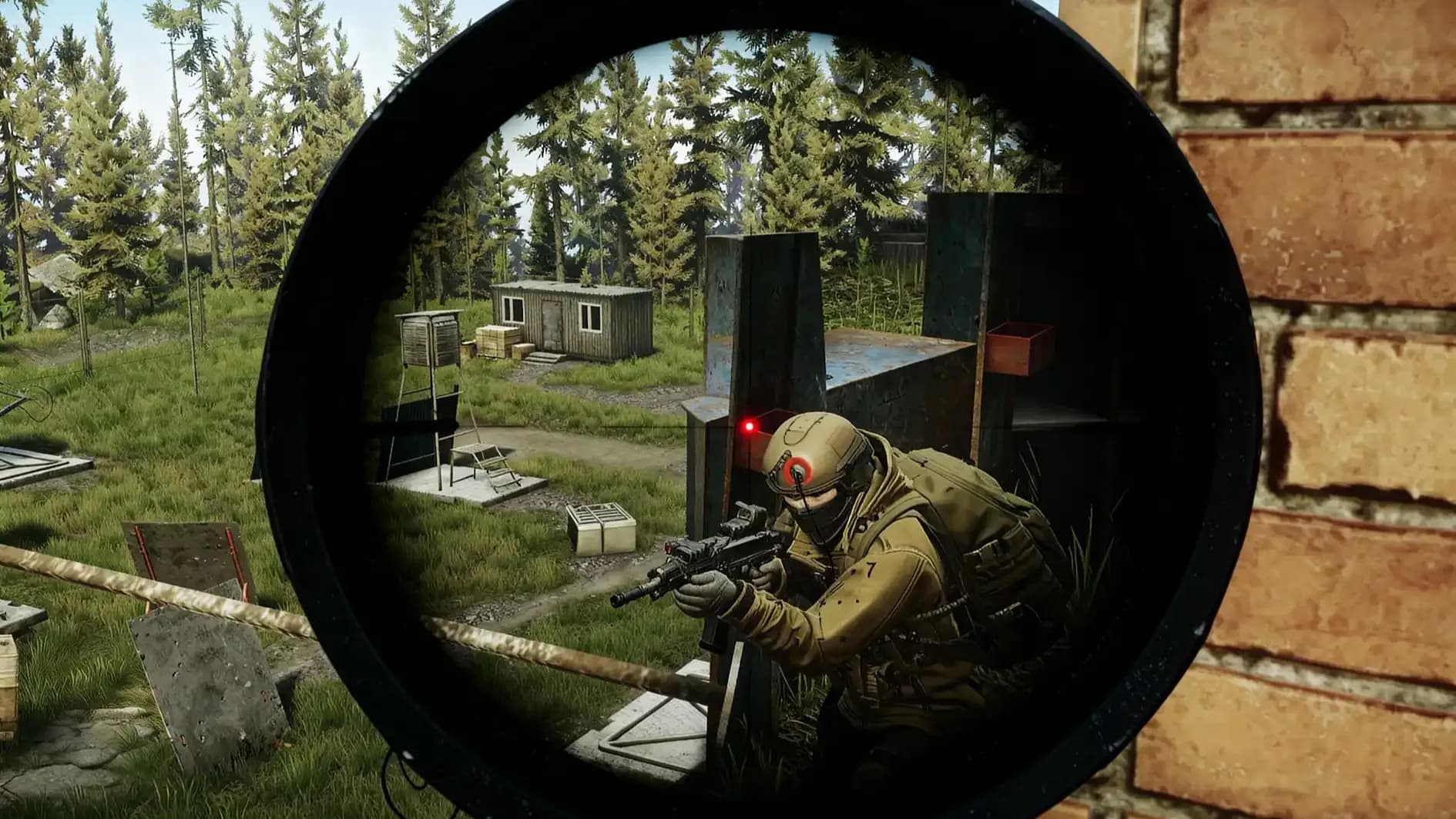
After installation, a player should re-check tasks, re-build the main gear set, and run one controlled raid to test sound and loading flow, because that single test raid confirms the real impact of the update. This guide keeps the key overview points in one place, and the safest habit is to treat the update as a short reset of routines, so progression stays smooth through Kolotun and the new task adjustments.
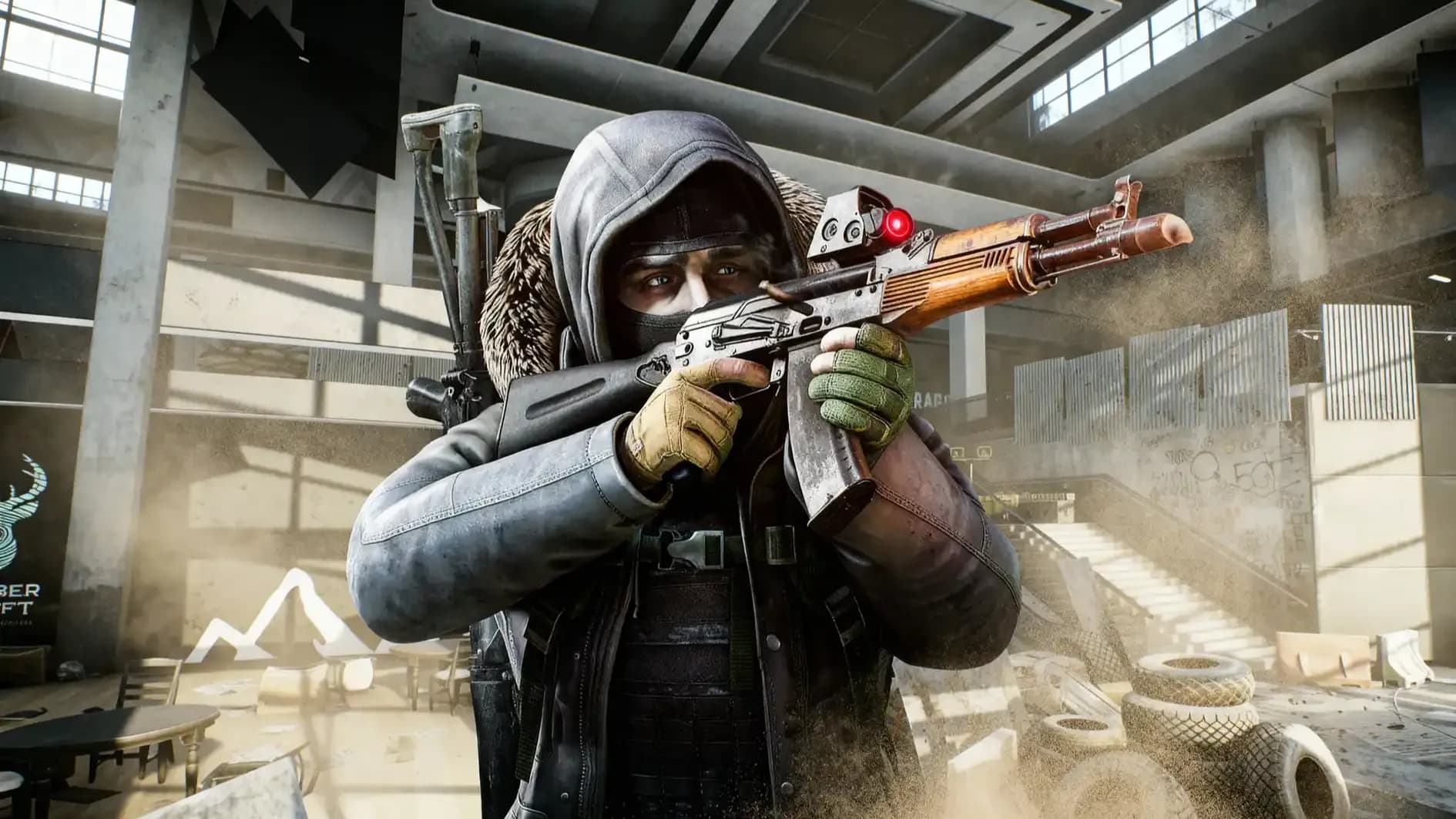

Escape from Tarkov 1.0.1 adds matchmaking view, settings tips, winter gear, M110 SASS, Kolotun tasks and fixes – Patch notes overview guide now!
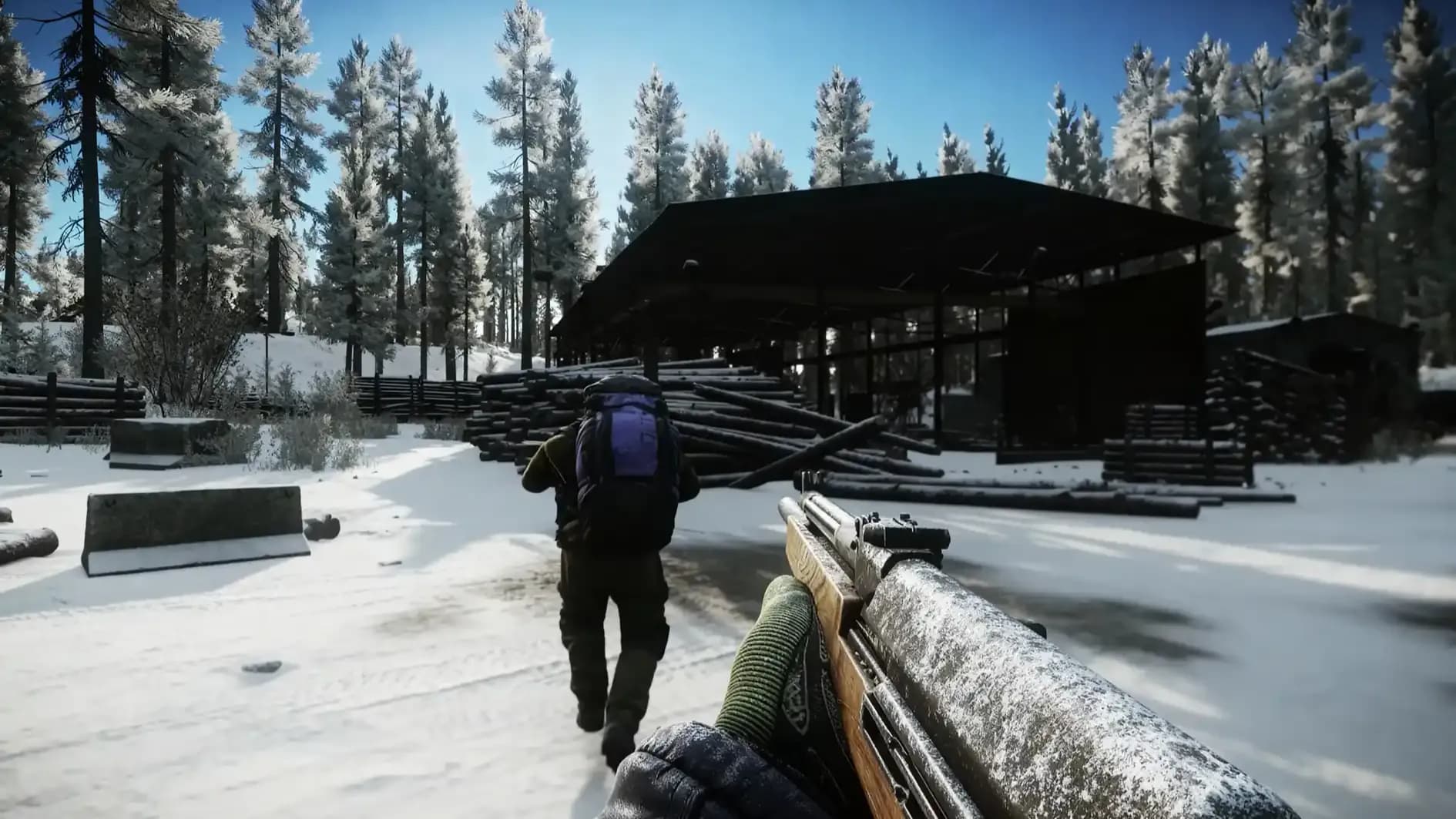
Escape from Tarkov 1.0.1 adds matchmaking view, settings tips, winter gear, M110 SASS, Kolotun tasks and fixes – Patch notes overview guide now!

It is an overview guide that explains matchmaking UI, winter content, Kolotun, balance changes, and key fixes.
The loading screen shows an estimated raid entry time and a current matchmaking stage for clear status feedback.
Some loading stages require specific data loading, and canceling there caused errors and gameplay issues.
QoL tooltips explain graphics and performance options and their impact on system components.
The M110 SASS marksman rifle is added, and it comes with a set of attachments.
Kolotun is an in-game event with a themed task chain, rewards, and a unique achievement in PvP and PvE.
Test Drive objectives and Collector item requirements change, so task text needs a fresh check after the update.
Headwear compatibility rules change with masks and headsets, so common kits can require a rebuild.
Sound positioning is improved, and bot behavior issues are fixed in several combat cases.

GTA 6, new seasons, major updates — get ready to dominate from day one